1
User Manual
Danfoss Telematics Solution Logging Data
Creating object dictionary groups and objects
Log specific bytes under certain conditions or every 10 minutes
Example 2
More complex logging based on the following conditions.
The example is based on the settings in the chapter Receiving the J1939 message on page 9.
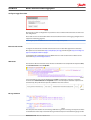
Log bytes 2 to 5 and 8 of the receive message if the engine speed (byte 4 - 5) has changed by ± 500 rpm,
or every 10 minutes.
Variables
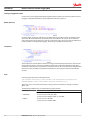
You need various variables for checking values if you want to log data only under certain conditions.
To set the corresponding variables, you need the object dictionary group Interface Variables.
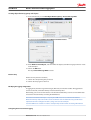
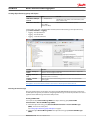
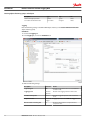
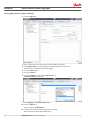
1. Create the object dictionary group Interface Variables if it does not already exist.
See Creating object dictionary groups and objects on page 6.
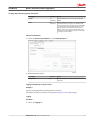
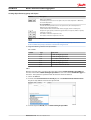
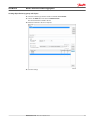
2. Create 4 interface variables in the object dictionary group Interface Variables.
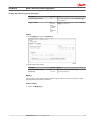
For each variable, the window List of Interface Variables opens.
3. Click on the variable you require.
4. Click on the OK button.
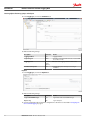
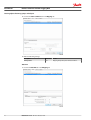
The selected variable is created.
5. Repeat the process for each variable.
6. Rename the variables in a useful way.
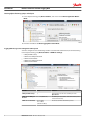
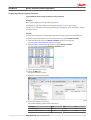
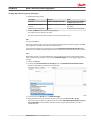
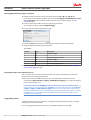
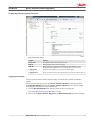
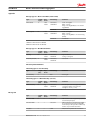
You need the following variables for the value checks.
Description
Type
Sign
Size
volatile U8 Trigger
volatile
unsigned
8 bits
volatile S32 Engine Speed new
volatile
signed
32 bits
BC00000348 en-US • Rev 0100 • October 2015
13