1
IPU-1025
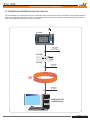
5.- DEVICE CONFIGURATION (WEBSERVER)
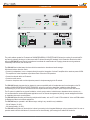
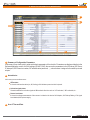
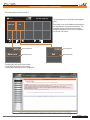
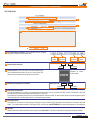
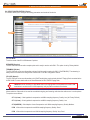
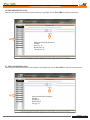
The screen structure of the IPU-100P is:
18.12
IPU-100P Paging Desk
#002
Main room
1002
The main page have 10 PA buttons and navigation
icons.
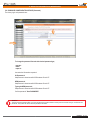
Each button/ zone can be edited with a description
text and numbers of zones to call (decoders). The
maximum number of PA zones will be a totally
broadcast message for all the zones configured in
the IPU-360 (SIP server).
Exit
1
#002
Main room
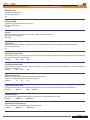
Zones extensions
Description label
1002
Exit
Zone extension
Description label
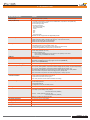
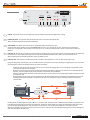
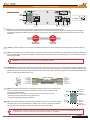
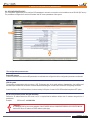
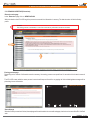
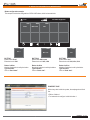
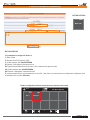
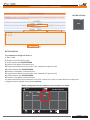
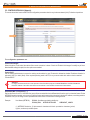
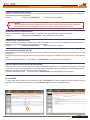
To edit the IPU-100P zones, exists 2 ways:
1. Erasing the whole desk control memory.
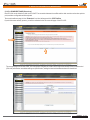
2. Editing zones keeping the zones configuration.
Installation - Configuration - Use - IPU-1025
Rev. 0
610.440A
14 29