1
IPU-1025
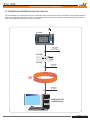
5.- DEVICE CONFIGURATION (WEBSERVER)
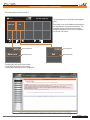
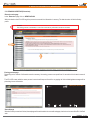
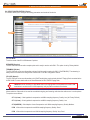
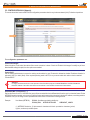
5.8 PASSWORD CONFIGURATION DEVICE (Password).
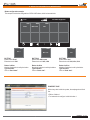
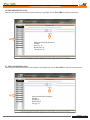
The factory login and passwords are:
IPU-1025
IPU-100
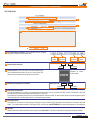
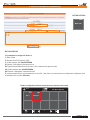
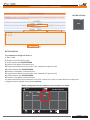
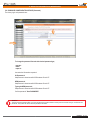
To change the password first select the desired password type,
- operator
- admin
- supervis
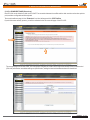
then enter the information requested:
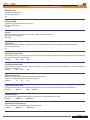
OLD password:
8 alphanumeric characters withASCII between 32 and 127.
NEW password:
8 alphanumeric characters withASCII between 32 and 127.
Type again NEW password:
8 alphanumeric characters withASCII between 32 and 127.
Confirm password: "Save PASSWORD"
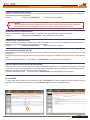
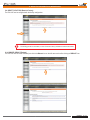
Attention!
The new password will take effect only if the old password has been entered correctly and has not been wrong to confirm the new
password. The system will reset to the new password take effect.
Installation - Configuration - Use - IPU-1025
Rev. 0
610.440A
28 29