1
CU-ER3 Operator’s Manual _ver 2.00
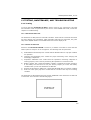
4.5.1 Device History
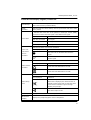
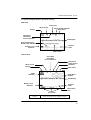
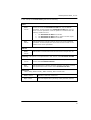
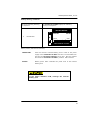
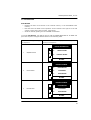
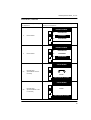
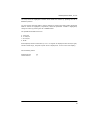
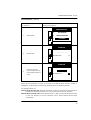
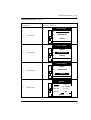
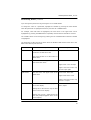
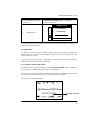
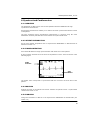
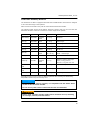
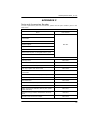
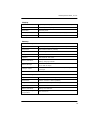
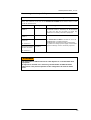
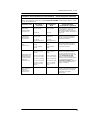
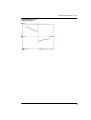
Device History contains the history of the device during its lifetime. The following data are
displayed on the LCD:
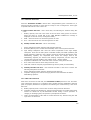
a.
number and total elapsed time of device usage
b.
number of shocks delivered
c.
number and total elapsed time of trainings conducted using the device
d.
number and total elapsed time of the different tests (daily, weekly, monthly, and
manual tests)
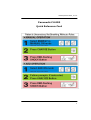
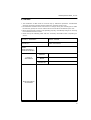
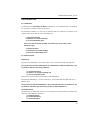
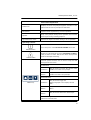
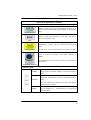
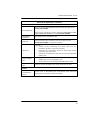
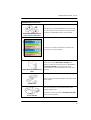
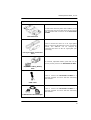
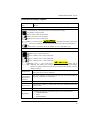
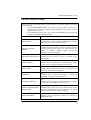
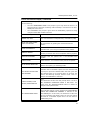
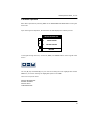
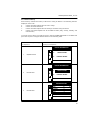
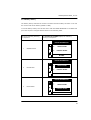
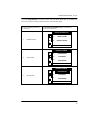
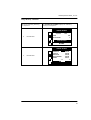
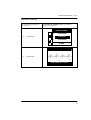
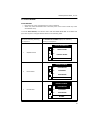
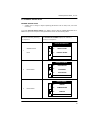
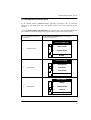
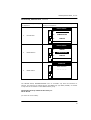
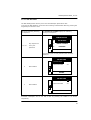
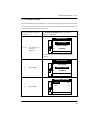
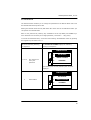
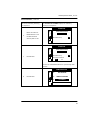
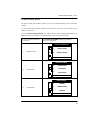
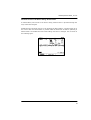
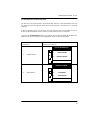
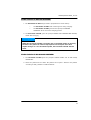
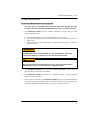
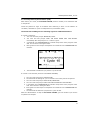
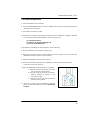
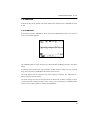
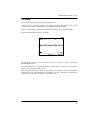
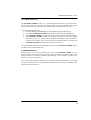
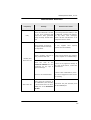
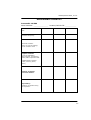
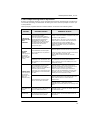
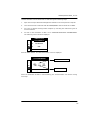
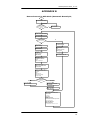
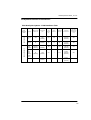
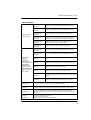
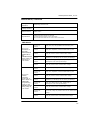
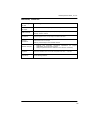
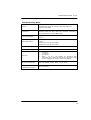
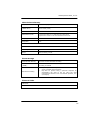
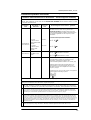
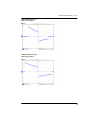
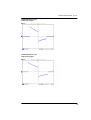
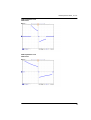
To access Device History turn ON the device with the MODE SELECTOR set to MENU and
press the sequence of keypad buttons shown in the following table.
Press the following button(s)
in sequence:
The Paramedic CU-ER3 displays the following
screen(s) in sequence:
DEVICE INFORMATION
1
ON/OFF Button
DEVICE HISTORY
BATTERY HISTORY
RETURN
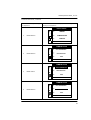
DEVICE INFORMATION
2
Menu Button
DEVICE HISTORY
BATTERY HISTORY
RETURN
DEVICE HISTORY
USES
3
Menu Button
SHOCKS
TRAINING
DPST
WPST
MPST
MST
15
32
0
30
4
1
1
135
0
2
2
1
2
PRESS THE MENU KEY TO RETURN
36