1
dua1611-5aaa04.book Page 261 Friday, November 29, 2002 8:56 PM
Displaying and Changing Protocol Information
261
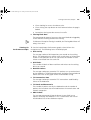
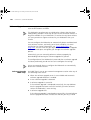
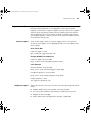
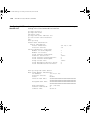
The following prompt is displayed:
This will reset the IP and DNS configurations to factory
default settings:
Default IP address
192.168.1.253
Default Subnet mask
255.255.255.0
Default gateway
0.0.0.0
Default DNS hostname
none
Default DNS domain name:
Default First DNS server
0.0.0.0
Default Second DNS server
0.0.0.0
Default Third DNS server
0.0.0.0
WARNING: You will lose any existing network connections to
the web cache.
Do you wish to continue (yes,no)[no]:
2 Enter yes to reset the IP and DNS information for the Webcache.
Specifying IP
Configuration
You can use the ipConfig command on the Protocol menu to configure
the IP stack of the Webcache. This will allow you to manage the
Webcache over IP via the CLI or Web interface. This command allows you
to configure the IP address, subnet mask and the default gateway IP
address.
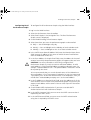
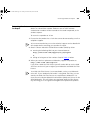
To configure IP management:
1 At the Top-level menu, enter:
protocol ipConfig
The following prompt is displayed:
Enter IP address [196.168.100.1]:
2 Enter a valid IP address.
The following prompt is displayed:
Enter Subnet mask [255.255.255.0]
3 Enter a valid subnet mask.
The following prompt is displayed:
Enter Gateway IP address [196.168.100.2]:
Enter a valid gateway IP address.