1
Analyzing the Captured Data
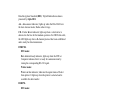
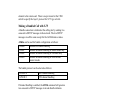
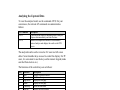
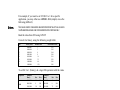
To view the analyzed result, use the command ATC$. For your
convenience, the relevant AT commands are summarized as
follows:
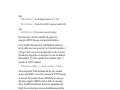
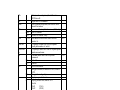
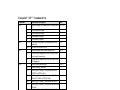
AT Command
ATCT
ATC$
Description
Clears buffer and starts the embedded protocol analyzer.
Captures data immediately and starts the timer.
Invokes the interpretation function of the embedded
protocol analyzer and displays the results on the DTE
screen.
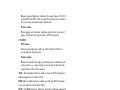
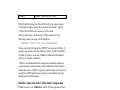
The analyzed results can be viewed as if it were in a full screen
editor. Several number keys are used to control the display. For PC
users, it is convenient to use the keys on the numeric keypad (make
sure that Num-Lock is on.).
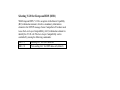
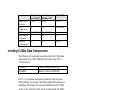
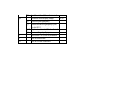
The functions of the control keys are as follows:
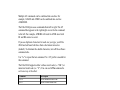
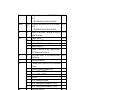
Key
1
2
3
7
8
9
Q, q
Function
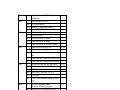
End
Cursor down
Page down
Home
Cursor up
Page up
Quit
Description
Display to the end of buffer
Scroll one line up
Display the next page
Display the first page
Scroll one line down
Display the previous page
Quit embedded protocol analyzer
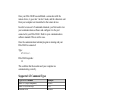
Any other key will display the control menu.
106