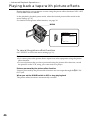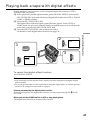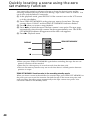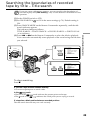
1
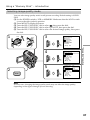
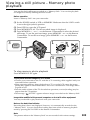
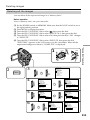
Viewing a still picture – Memory photo playback
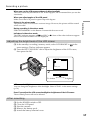
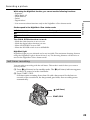
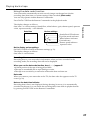
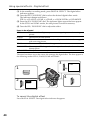
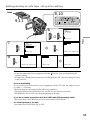
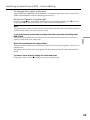
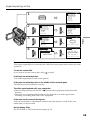
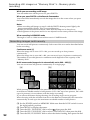
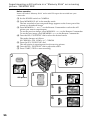
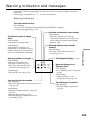
Screen indicators during still image playback
1152
DSC00006
Image size
Image number/
Total number of recorded images
6 / 15
MEMORY PLAY
Print mark
Protect indicator
Data file name
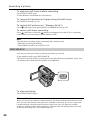
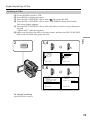
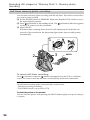
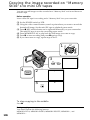
Playing back six recorded images at a time (index screen)
You can play back six recorded images at a time. This function is especially useful when
searching for a particular image.
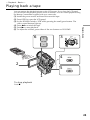
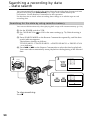
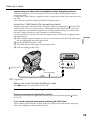
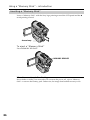
(1) Set the POWER switch to VTR or MEMORY. Make sure that the LOCK switch
is set to the right (unlock) position.
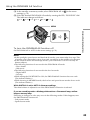
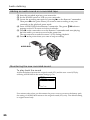
(2) Press MEMORY INDEX to display the index screen.
INDEX
A red B mark appears above the image that is displayed before changing to the index
screen mode.
MEMORY – : to display the previous six images
MEMORY + : to display the following six images
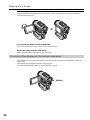
1
2
3
4
5
6
B mark
DSC00006
104
6 / 15