1
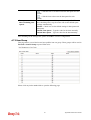
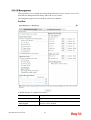
4.6.2 General Setup
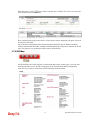
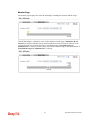
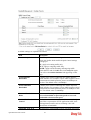
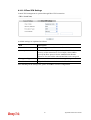
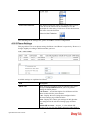
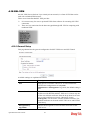
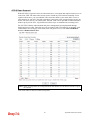
General Setup allows you to adjust settings of IP Filter and common options. Here you can
enable or disable the Call Filter or Data Filter. Under some circumstance, your filter set can
be linked to work in a serial manner. So here you assign the Start Filter Set only. Also you
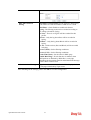
can configure the Log Flag settings, Apply IP filter to VPN incoming packets, and Accept
incoming fragmented UDP packets.
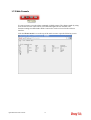
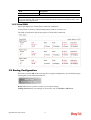
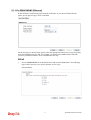
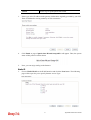
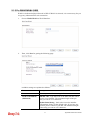
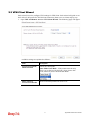
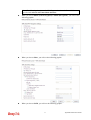
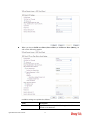
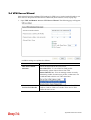
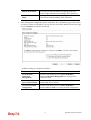
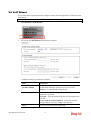
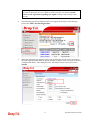
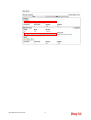
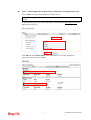
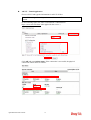
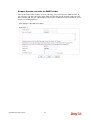
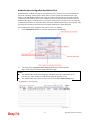
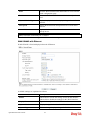
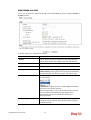
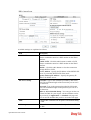
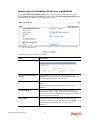
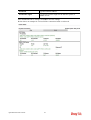
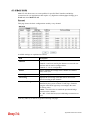
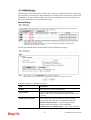
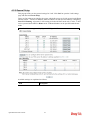
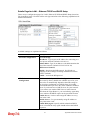
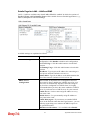
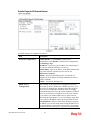
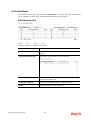
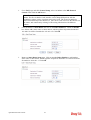
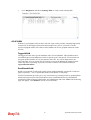
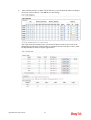
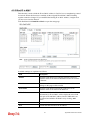
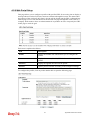
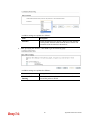
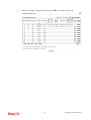
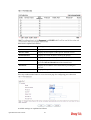
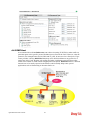
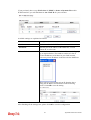
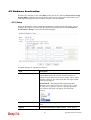
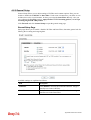
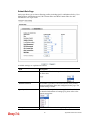
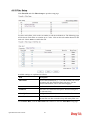
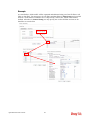
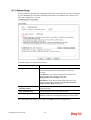
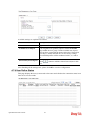
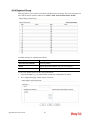
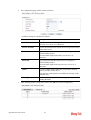
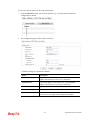
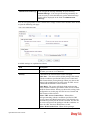
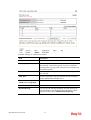
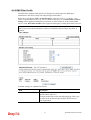
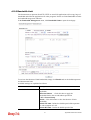
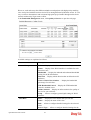
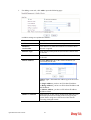
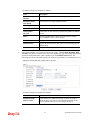
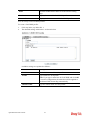
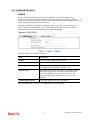
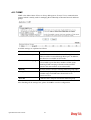
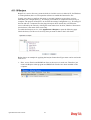
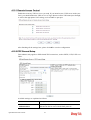
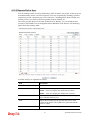
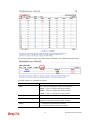
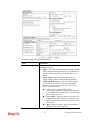
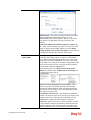
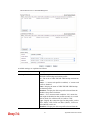
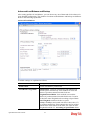
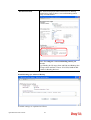
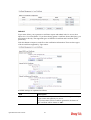
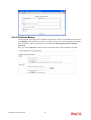
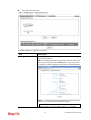
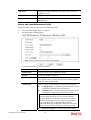
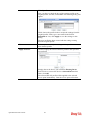
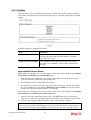
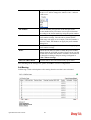
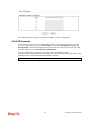
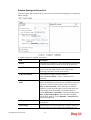
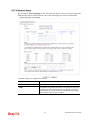
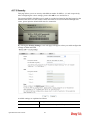
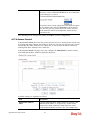
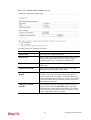
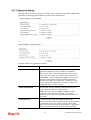
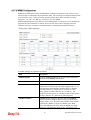
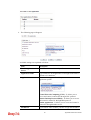
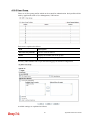
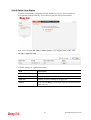
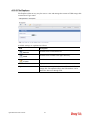
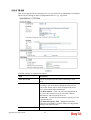
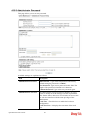
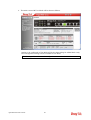
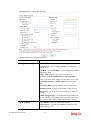
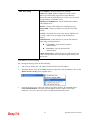
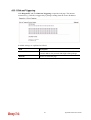
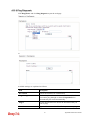
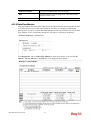
Click Firewall and click General Setup to open the general setup page.
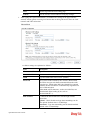
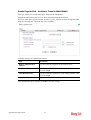
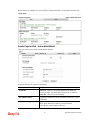
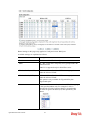
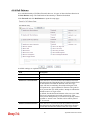
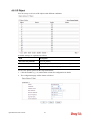
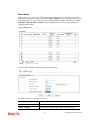
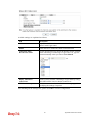
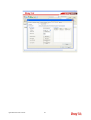
General Setup Page
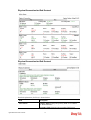
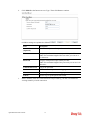
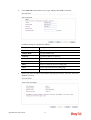
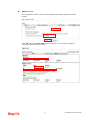
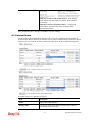
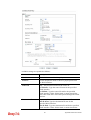
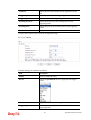
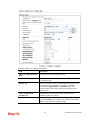
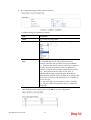
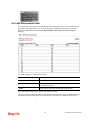
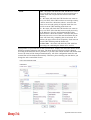
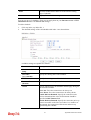
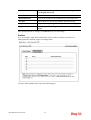
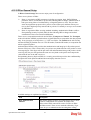
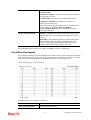
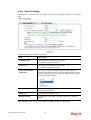
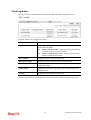
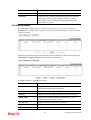
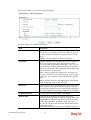
Such page allows you to enable / disable Call Filter and Data Filter, determine general rule for
filtering the incoming and outgoing data.
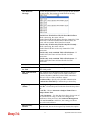
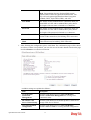
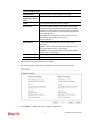
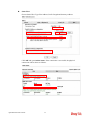
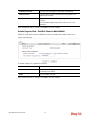
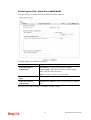
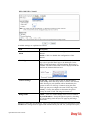
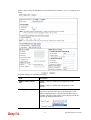
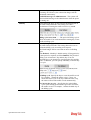
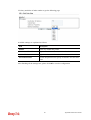
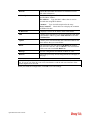
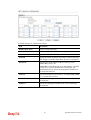
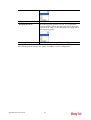
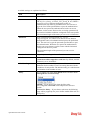
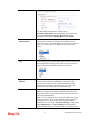
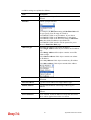
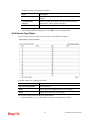
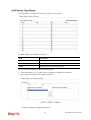
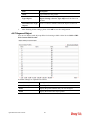
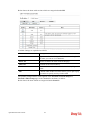
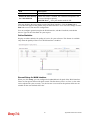
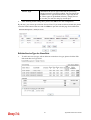
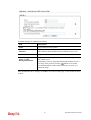
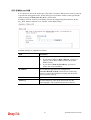
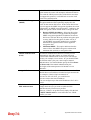
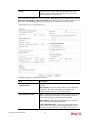
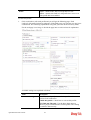
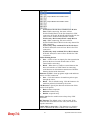
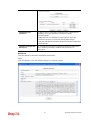
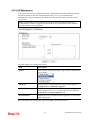
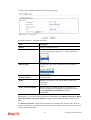
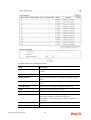
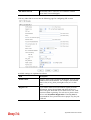
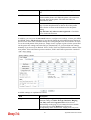
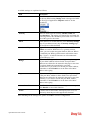
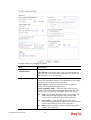
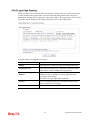
Available settings are explained as follows:
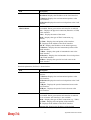
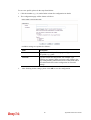
Item
Description
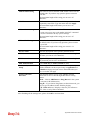
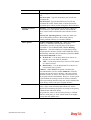
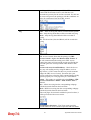
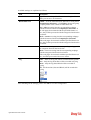
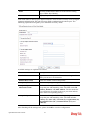
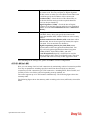
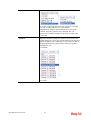
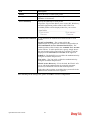
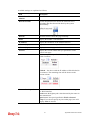
Call Filter
Check Enable to activate the Call Filter function. Assign a
start filter set for the Call Filter.
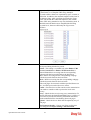
Data Filter
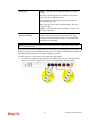
Check Enable to activate the Data Filter function. Assign a
start filter set for the Data Filter.
249
Vigor2925 Series User’s Guide