1
User Interface
5.5.3
261
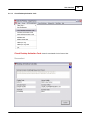
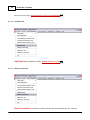
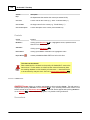
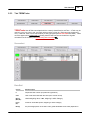
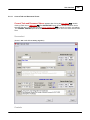
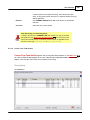
Tab: TERM Tasks
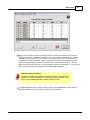
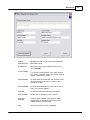
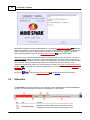
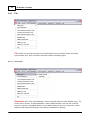
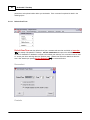
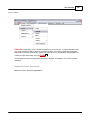
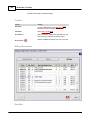
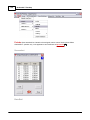
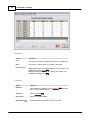
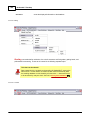
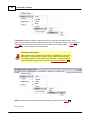
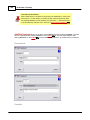
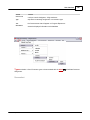
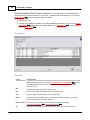
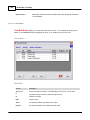
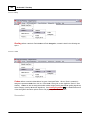
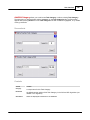
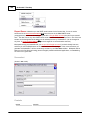
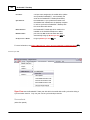
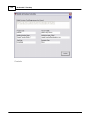
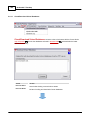
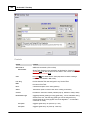
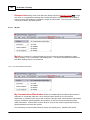
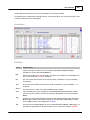
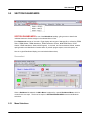
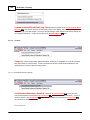
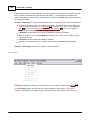
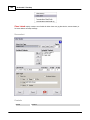
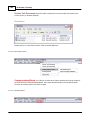
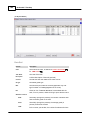
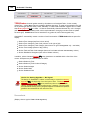
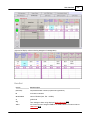
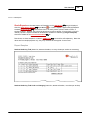
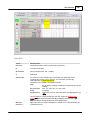
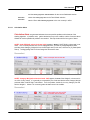
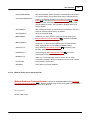
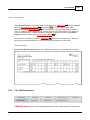
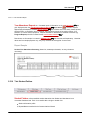
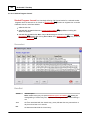
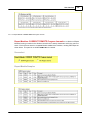
TERM Tasks lists all Tasks associated with the currently viewed Section and Term. A Task may be
used only once in a school year, and Task names must be unique (ie a Task name may appear only
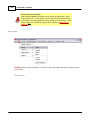
once). Note that Tasks can be listed without yet being assigned (see NOT YET ASSG item below). Tasks
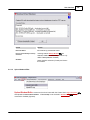
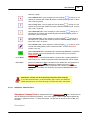
can also appear with a strikethrough, indicating that the Task has been excluded from all grade
calculations for all students (see Exclude task/grades Checkbox 263 ).
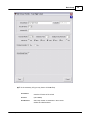
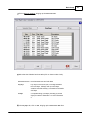
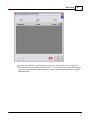
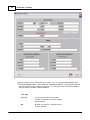
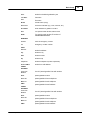
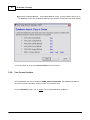
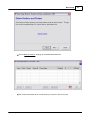
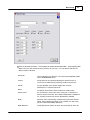
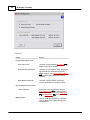
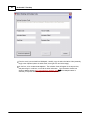
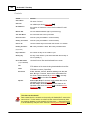
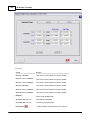
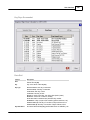
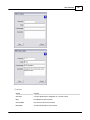
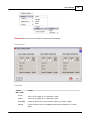
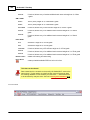
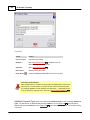
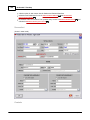
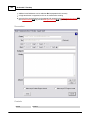
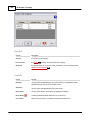
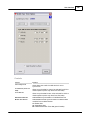
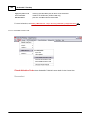
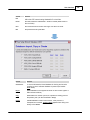
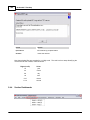
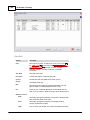
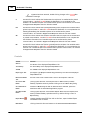
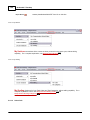
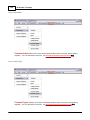
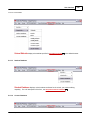
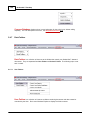
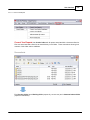
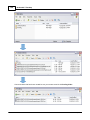
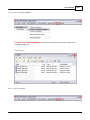
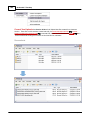
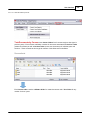
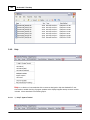
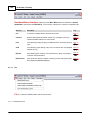
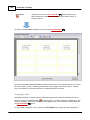
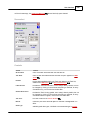
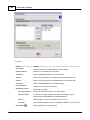
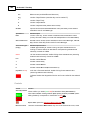
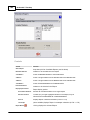
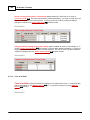
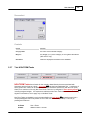
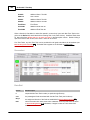
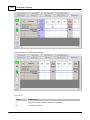
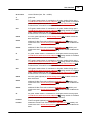
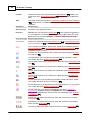
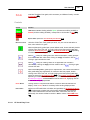
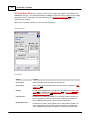
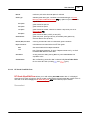
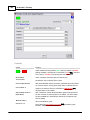
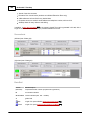
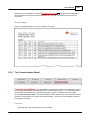
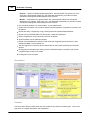
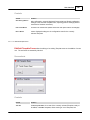
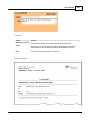
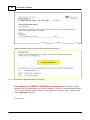
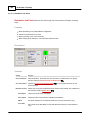
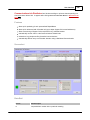
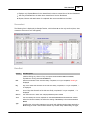
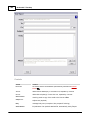
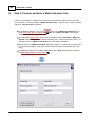
Screenshot
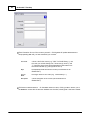
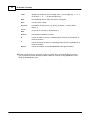
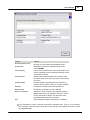
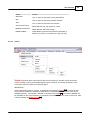
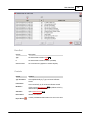
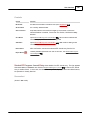
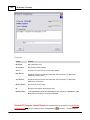
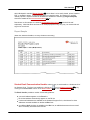
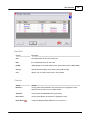
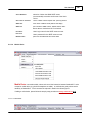
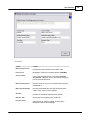
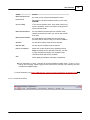
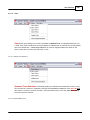
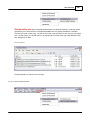
Data Grid
Colum n
Data Description
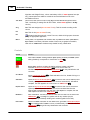
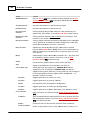
#
sequential Task number (no particular significance)
Code
Task Code associated with the Task (from Archive record)
Weight
(WO, WC)
relative weighting value; in WC, weighting is within Category
Points
(PC)
maximum achievable points; weighting is within Category
Eff Wgt
the percentage portion of the entire Term grade attributable to the Task (depends on
© 2012 Mindspark Inc