1
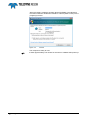
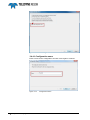
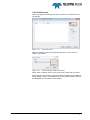
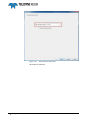
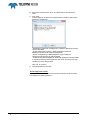
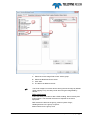
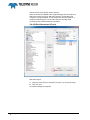
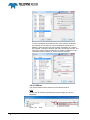
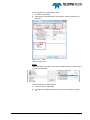
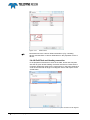
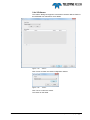
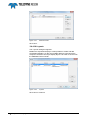
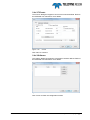
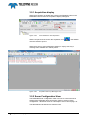
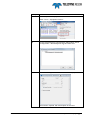
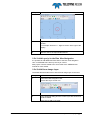
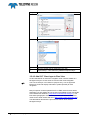
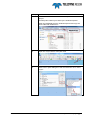
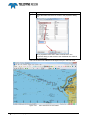
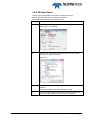
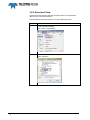
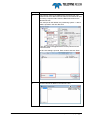
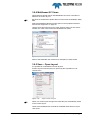
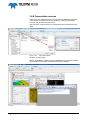
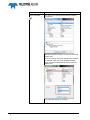
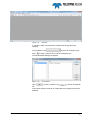
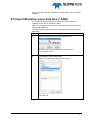
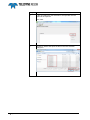
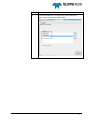
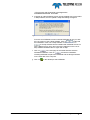
‘C:\Documents and Settings\All Users\Application Data\RESON\PDS2000’ accessible. e. If already an older PDS2000 version is/was installed with not the latest C-Map software, then an Update C-Map SDK dialog will appear. Figure 5-3 Update C-Map SDK software From this new PDS2000 version onwards PDS2000 will only run with the new version of the C-Map software. Click on to start with the installation of the new C-Map software. If the user clicks on no C-Map software will be installed and PDS2000 will not run with C-Map anymore. Only when the user install later on the new CMap software PDS2000 will run again with C-Map. f. Click on in the next page of the install wizard to start the PDS2000 installation. Click on to finish the installation. Installing PDS2000 will place the PDS2000 and the Dongle software on the hard disk of the computer. g. Click on PDS2000 - BlueView on the desktop to start PDS2000. Appendix Installing PDS2000 101