1
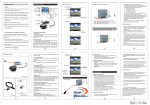
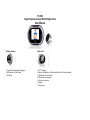
Descriptions:
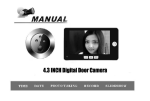
1. 3.5" TFT display
2. Sensor : 3000000 Pixles
3. 16 melody to optional
4. Peeohole diameter : 12-30mm
5. Fit any door : 42-72 or 60-90mm (thickness)
6. Monitor outside anytime when press monitor button
7. Screen will automatically be in sleep model after 10s once press monitor button
8. At button of viewer : left button to adjust ring volume; right button to choose doorbell music
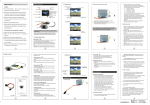
Adjustment of menu mode:
◆Brightness adjustment : System is in its station when Come in menu mode . Only press up or down to adjust.When finished, press menu
Key to proceed to next adjustment .
◆ Select preview mode, system will automaticlly enter the slide mode. At this point,photoes will play automaticly. Pressing Up or Down key will
remain in current picture. Press Up/Down key to continue play . It will automaticly exit slideshow mode after all photoes played.
Intrudction of Photo Mode :