1
ADDITIONAL INFORMATION
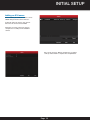
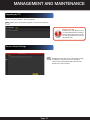
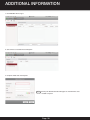
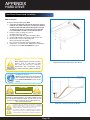
Deleting a User
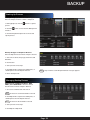
Access the User Management interface: Menu > Configuration > User.
1. Select the user
2. Click the
button to delete.
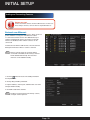
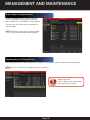
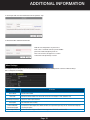
Editing a User
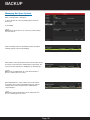
Access the User Management interface: Menu > Configuration > User.
1. Select the user
2. Click the
button to edit.
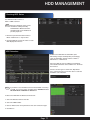
NOTE : The admin user can also be edited.
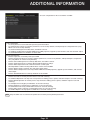
3. Make necessary edits and click OK.
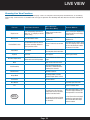
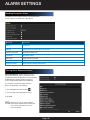
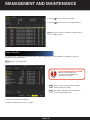
Screen for editing Operator and Guest.
NOTE : Operator and Guest:
You can edit the user information, including user name,
password, permission level and MAC address. Check the
checkbox of Change Password if you want to change
the password, and input the correct old password, and
the new one in the text field of Password and Confirm.
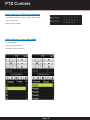
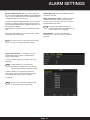
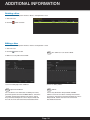
Screen for editing Admin.
NOTE : Admin:
You are only allowed to edit password and MAC
address. Check the checkbox of Change Password if
you want to change the password, and input the correct
old password, and the new one in the text field of
Password and Confirm.
Page 94