1
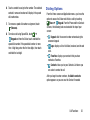
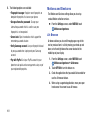
– Alert reminder: Set reminders after you receive an
alert. You can select Once, Every 2 minutes, Every 15
minutes, or Off (default).
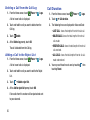
• Signature Configure message signatures.
– Edit signature: Enter a custom signature for your
message.
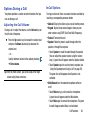
• Spam filter:
– Add to spam numbers: Enter and assign a phone
number as being sent from a spam source.
– Add to spam phrases: Assign a specific text
phrase as belonging to a spam message.
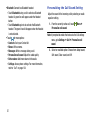
– Block unknown senders: Automatically block
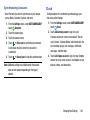
S Voice
This section allows you to modify settings associated with
the S Voice app. For information on this app, see “S Voice”
on page 185.
1. From the Settings screen, under APPLICATIONS,
touch
S Voice.
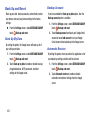
2. The following options are available:
• Language: Set your default language for S Voice.
• Hide offensive words: Have potentially offensive
words replaced with asterisks.
• Software update: Download and install software
updates, if available.
incoming messages from unknown sources or
blocked numbers.
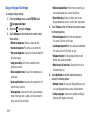
• About: Display information about the S Voice app
including the Terms of Service and the Privacy Policy.
• Delay message sending: Set a time delay limit that
determines how long the messages are held until they
are sent. This can allow you to cancel the delivery of a
recent message.
• Open via the home key: Open S Voice by doublepressing the Home key.
• Safe mode: Set security parameters for Messages.
Choose from Allow access to all links and Potential
threat alerts.
• Auto start speakerphone: Automatically turn on the
speaker when using S Voice to make a call.
• Voice wake-up: Customize your wake-up command
for S Voice.
Changing Your Settings
136