1
USB Protocol Suite User Manual
Chapter 10: Recording Options
10.5 Recording Rules - USB 2.0
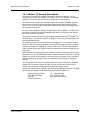
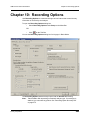
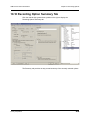
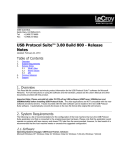
Use the Recording Rules to set triggers and filters for USB 2.0.
Toolbar
Config
Status
Indicator
Available
Events
Area
Main
Display
Area
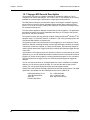
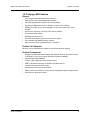
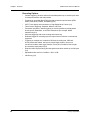
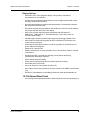
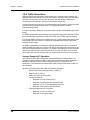
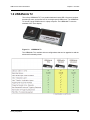
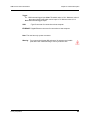
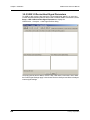
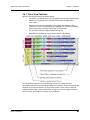
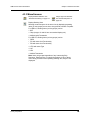
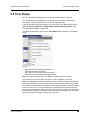
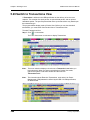
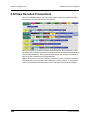
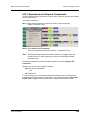
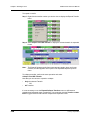
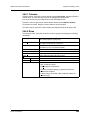
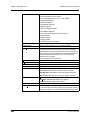
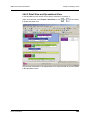
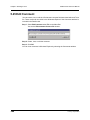
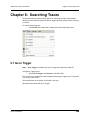
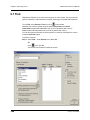
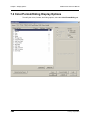
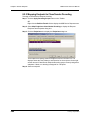
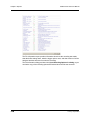
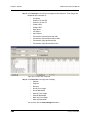
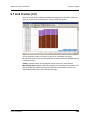
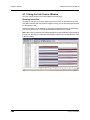
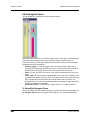
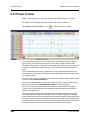
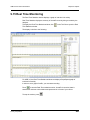
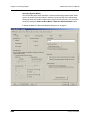
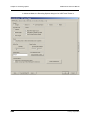
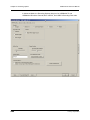
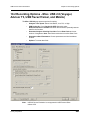
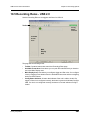
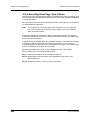
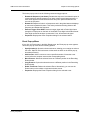
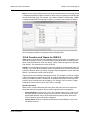
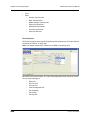
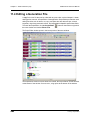
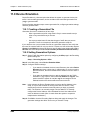
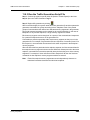
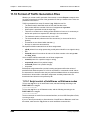
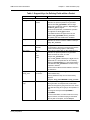
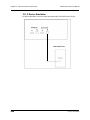
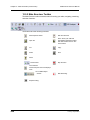
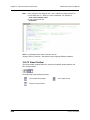
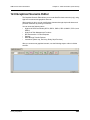
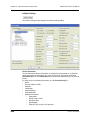
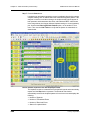
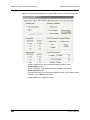
The page has the following areas:
LeCroy Corporation
•
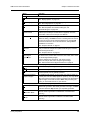
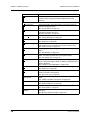
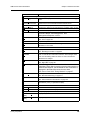
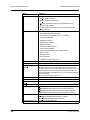
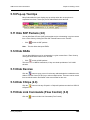
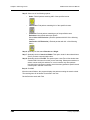
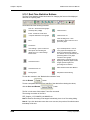
Toolbar: Contains buttons that control the Recording Rules page.
•
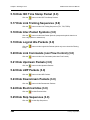
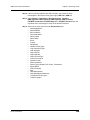
Available Events Area: Area where you can park Event buttons that you intend to
use in the Main Display area.
•
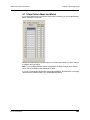
Main Display Area: Area where you configure trigger and filter rules. You configure
rules by dragging Event buttons from the Available Events area and then assigning
actions to those buttons.
•
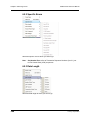
Config Status Indicator: A button that indicates if the rule is valid or invalid. If a
trigger or filter rule is configured correctly, the button is green and indicates Config is
Valid. If a rule is not configured correctly, the button is red and indicates Config is
Invalid.
247