1
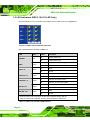
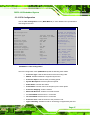
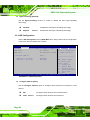
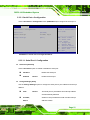
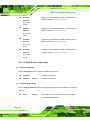
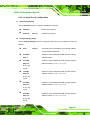
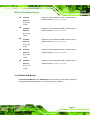
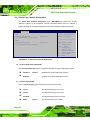
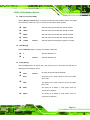
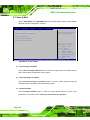
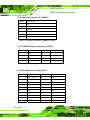
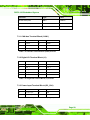
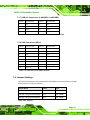
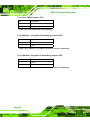
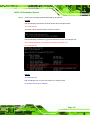
DRPC-100 Embedded System 5.3.5.1.4 Serial Port 4 Configuration Serial Port [Enabled] Use the Serial Port option to enable or disable the serial port. Disabled Enabled Disable the serial port DEFAULT Enable the serial port Change Settings [Auto] Use the Change Settings option to change the serial port IO port address and interrupt address. Auto DEFAULT The serial port IO port address and interrupt address are automatically detected. IO=2E8h; Serial Port I/O port address is 2E8h and the interrupt IRQ=7 address is IRQ7 IO=3F8h; Serial Port I/O port address is 3F8h and the interrupt IRQ=3, 4, address is IRQ3, 4, 5, 6, 7, 10, 11, 12 5, 6, 7, 10, 11, 12 O=2F8h; Serial Port I/O port address is 2F8h and the interrupt IRQ=3, 4, address is IRQ3, 4, 5, 6, 7, 10, 11, 12 5, 6, 7, 10, 11, 12 IO=3E8h; Serial Port I/O port address is 3E8h and the interrupt IRQ=3, 4, address is IRQ3, 4, 5, 6, 7, 10, 11, 12 5, 6, 7, 10, 11, 12 IO=2E8h; Serial Port I/O port address is 2E8h and the interrupt IRQ=3, 4, address is IRQ3, 4, 5, 6, 7, 10, 11, 12 5, 6, 7, 10, 11, 12 Page 55