1
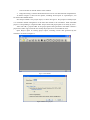
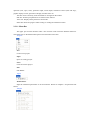
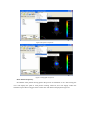
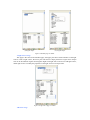
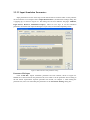
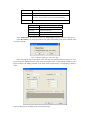
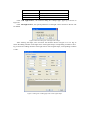
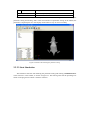
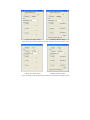
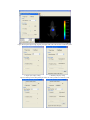
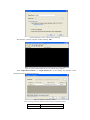
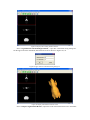
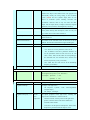
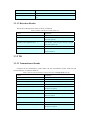
Figure 23 Dialog box of adding a new spectrum.
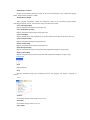
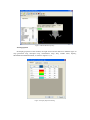
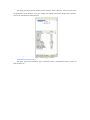
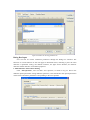
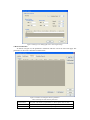
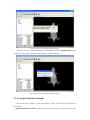
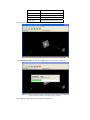
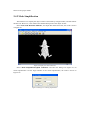
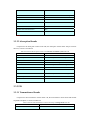
Click ‘Del Spectrum’, uses can delete the selected spectrum, shown as Fig 24. Click “OK”,
all the optical parameters of the tissues and the source parameters corresponding to the spectrum
will be deleted.
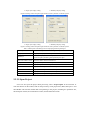
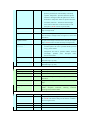
Figure 24 Dialog box of deleting a spectrum.
Click ‘Apply’, users will save all the parameters on the interface.
Click ‘Cancel’, users will quit the ‘Parameter Setting’ dialog box without saving the
parameters.
Click ‘OK’, users will save all the parameters and quit the ‘Parameter Setting’ dialog box.
2. Medium Interface
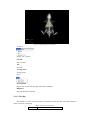
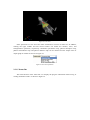
In MOSE, the simulation object is defined as medium, and it consists of homogeneous
medium (contains only one tissue) and inhomogeneous medium (contains more than one tissue).
Parameters used to define the tissue consist of the shape and the optical parameters. The shape can
be regular (2D: Rectangle, Ellipse; 3D: Cube, Ellipsoid, Cylinder) or irregular (Triangle mesh).
The optical parameters of the tissue consist of absorption coefficient, scattering coefficient,
anisotropy factor and refractive index.
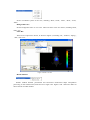
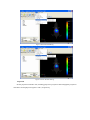
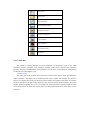
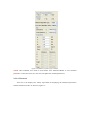
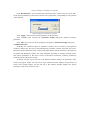
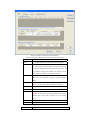
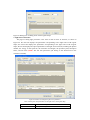
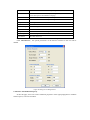
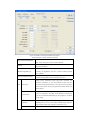
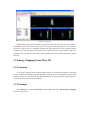
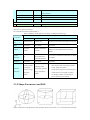
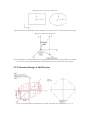
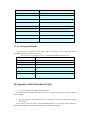
As shown in Figure 25, the first list in the medium interface displays the parameters of the
tissues with regular shapes, the second list in the medium interface displays the parameters of
tissues with irregular shapes, and the last list in the medium interface displays the optical
parameters of the tissue chosen by users.