1
ENGLISH
ENGLISH
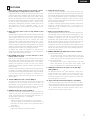
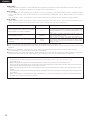
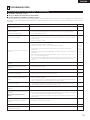
Symptom
An image is not projected with an
HDMI/DVI connection.
Picture and sound are interrupted with
HDMI/DVI connections
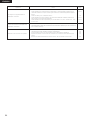
Remote control unit does not operate.
84
Check
Page
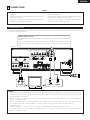
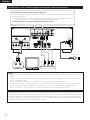
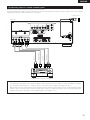
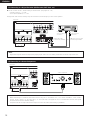
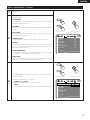
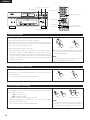
• Check the HDMI/DVI connection.(Check the status of the HDMI/DVI indicators.)
• Check whether the connected monitor equipment or other equipment supports HDCP.
(The DVD-5910 will not output a video signal unless the connected equipment supports
HDCP.)
• Check the settings of “HDMI/DVI SELECT”.
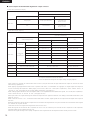
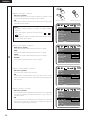
• Check whether the output format of the DVD-5910 (HDMI/DVI FORMAT) matches the
input format of the connected equipment.
• Check whether the video output setting at “PURE DIRECT” is set to “VIDEO OUT : OFF”
or “ALL OFF”.
23
19~21
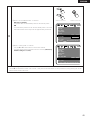
• When the “HDMI/DVI FORMAT” setting is set to “AUTO”, the picture or sound may be
interrupted when cables are connected or disconnected or depending on the conditions of
the connected device(s).
56
•
•
•
•
24
24
24
24
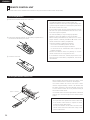
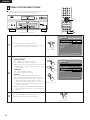
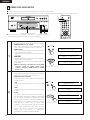
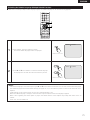
Check that the batteries are inserted in the proper “<” and “>” directions.
The batteries are dead. Replace them with new batteries.
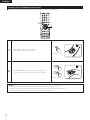
Point the remote control unit at the remote control sensor when operating it.
Operate the remote control unit within a distance of 7 meters from the remote control
sensor.
• Remove the obstacle between the remote control unit and remote control sensor.
56
19~21
50, 51
24