1
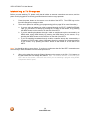
6. Fine Tuning your TV set for Home Use.
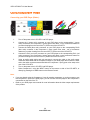
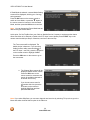
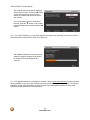
After completing Procedure 4 or
Procedure 5, please follow the steps
below to optimize your TV display:
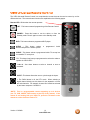
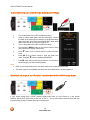
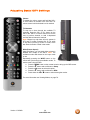
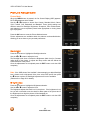
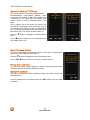
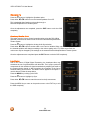
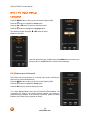
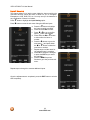
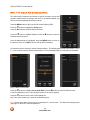
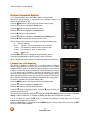
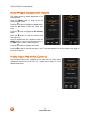
a. Press the MENU key to bring up the OSD
display. The Picture option will be
highlighted. Press the OK button to select.
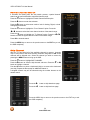
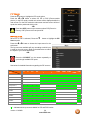
b. press the
or
button to highlight
Advanced Video and press the OK
button to select
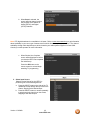
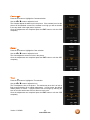
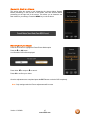
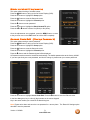
or
button to highlight
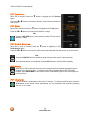
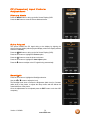
c. press the
Color Temperature. Use the
button to change setting to Normal.
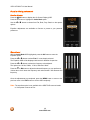
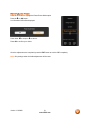
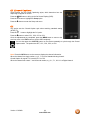
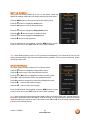
d. Press the MENU key 3 times to return to
the Picture menu.
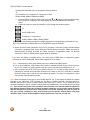
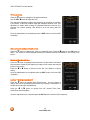
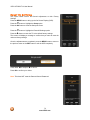
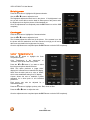
or
button to change the
e. Press either
Picture Mode option to Standard.
f. Press the EXIT key to exit the OSD.
Note: If Procedure 4 had been performed, please verify the correct program
times are shown when pressing the Guide key:
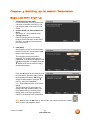
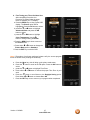
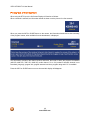
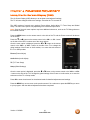
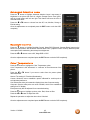
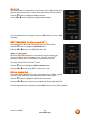
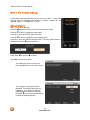
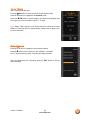
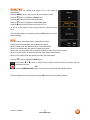
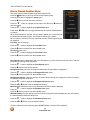
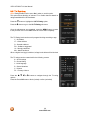
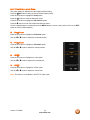
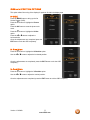
a. Press the Menu key, this will bring up the picture mode menu.
b. Press the
button to scroll to the TV option. Press the OK button to
select.
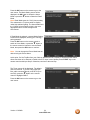
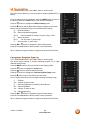
or
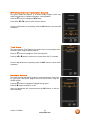
button to highlight Time Zone.
c. press the
d. Press either
or
button to choose the proper Time Zone in your
area.
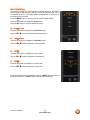
e. Press the
button to scroll down to the Daylight Saving option.
Press either
or button to choose On or Off.
f. Press the EXIT key once to return to your program when completed.
Version 1/12/2009
37
www.VIZIO.com