1
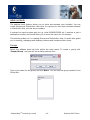
If you have already created a file with contacts you can copy paste your entries from
that file to the upload contacts list by using Copy (Ctrl+C) and Paste (Ctrl+V).
All the entries that were added to the selected group will be reflected in the contact
box.
Deleting Contacts
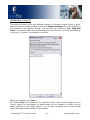
You can delete previously added contacts from a group. To do this make use of the
third column in the contacts table. In this column titled delete select the contacts
that you want to delete if you want to delete just a few contacts or check the Select
All check-box to select all the contacts at once and delete them. Once you have
selected the contacts to be deleted. Click Delete Contacts. The changed group will
be reflected immediately. If you want to delete all contacts and also do not want to
keep the group, you can simply delete the entire group by clicking Delete Group.
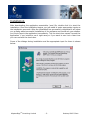
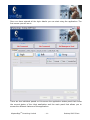
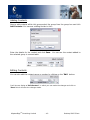
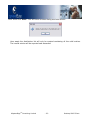
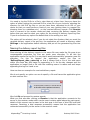
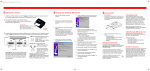
This example shows deleting of a selected contact. We have selected a contact here.
We delete that particular contact by clicking Delete Contacts.
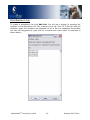
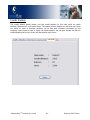
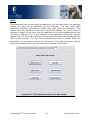
The contact has been deleted and the updated group formation can be seen here.
©SphereEdgeTM Consulting Limited
- 21 -
Desktop SMPP Client