1
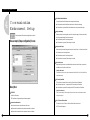
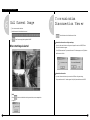
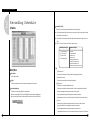
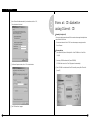
I. Operate SPR Smart Viewer
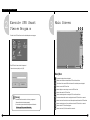
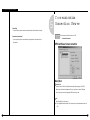
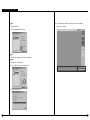
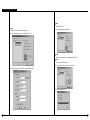
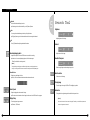
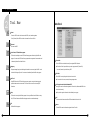
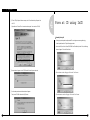
Change Password
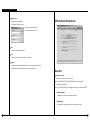
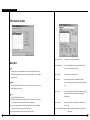
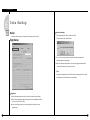
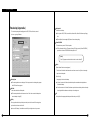
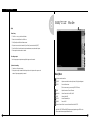
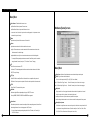
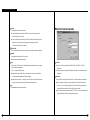
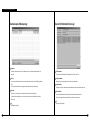
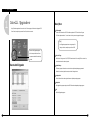
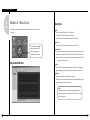
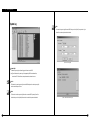
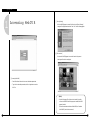
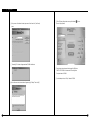
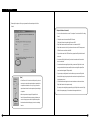
SPR Smart Viewer [Modem] Screen
: This function is to change password.
(Tip: The password is initially not setup)
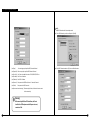
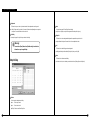
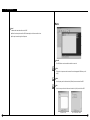
① Enter current password and click [OK]
② Enter new password and click [OK]
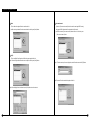
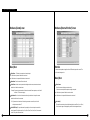
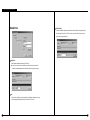
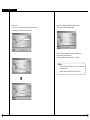
Store
: Finish Setup configuration and click [Save]
Close
: It will return to Viewer’s main screen when you click on [Close]
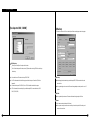
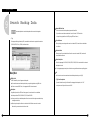
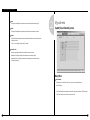
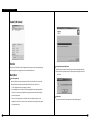
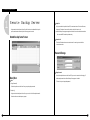
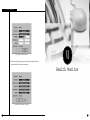
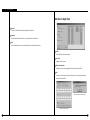
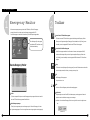
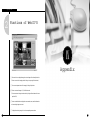
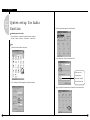
Language
: It supports multiple language - Korean, English, French, Chinese, Italian, Spanish, and German
Example) Select one of the language that you want to use and click on [Save].
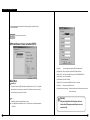
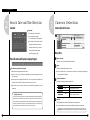
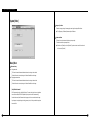
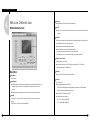
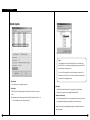
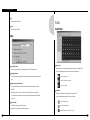
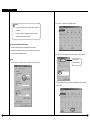
Description
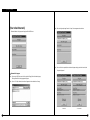
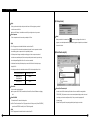
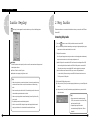
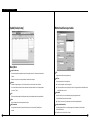
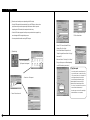
Select Type of connection
: Select the type of communication line you wish to use.
▶ Select ‘LAN/ISDN(ROUTER)/LEASED CIRCUIT(ROUTER)’ when you are using LAN or
ISDN/Exclusive (using ROUTER).
▶ Select ‘PSTN/ISDN (NO ROUTER)’ when using general telephone line or ISDN (without ROUTER)
[Installed modem name]
: It automatically recognizes the modem installed in the system.
[Initialization string]
: It automatically recognizes initial order from windows installed to the system
14
15