1
MS-9895
Advanced
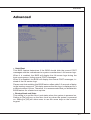
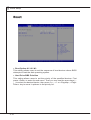
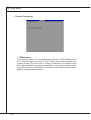
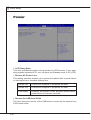
▶ Quiet Boot
This BIOS feature determines if the BIOS should hide the normal POST
messages with the motherboard or system manufacturer’s full-screen logo.
When it is enabled, the BIOS will display the full-screen logo during the
boot-up sequence, hiding normal POST messages.
When it is disabled, the BIOS will display the normal POST messages, instead of the full-screen logo.
Please note that enabling this BIOS feature often adds 2-3 seconds of delay
to the booting sequence. This delay ensures that the logo is displayed for a
sufficient amount of time. Therefore, it is recommended that you disable this
BIOS feature for a faster boot-up time.
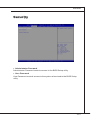
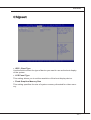
▶ Bootup NumLock State
This setting is to set the Num Lock status when the system is powered on.
Setting to [On] will turn on the Num Lock key when the system is powered
on. Setting to [Off] will allow users to use the arrow keys on the numeric
keypad.
3-7