1
12. Help
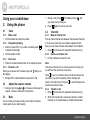
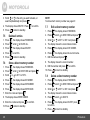
11.2.5 Delete an entry
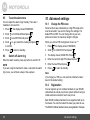
1. Press
to open the Calls list.
2. Scroll
or
3. Press
No dial tone
to the entry you want to delete.
and scroll to DELETE. Press
• Use only the telephone line cord supplied.
• Check that the telephone line cord is connected properly.
• Check that the mains power is connected properly and
switched on.
.
4. The display shows DELETE?.
5. Press
to confirm or
to cancel.
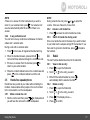
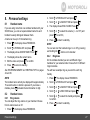
11.2.6 Delete the entire Calls list
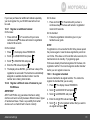
1. Press
to open the Calls list.
2. Press
and scroll to DELETE ALL. Press
No display on the corded base
.
3. The display shows DELETE?.
4. Press
to confirm or
to cancel.
NOTE
Deleting a single entry or the entire calls list on an individual
handset will not affect the base or any other handset
registered to the base, to delete the calls list entries on the
base, see page 19.
36
• Check that the mains power is connected properly and
switched on.
• Reset the base by disconnecting the mains power.
• Leave for a few seconds and reconnect.
No display on the cordless handset
• Check that the batteries are inserted correctly and fully
charged. Use only approved rechargeable batteries
supplied.
• Check that the handset is switched on. Press and hold
.
• Reset the base by removing the batteries and
disconnecting the mains power. Wait for around 15
seconds before connecting it again. Allow up to one
minute for the handset and base to synchronize.
Help