1
Setup from a PC Web Browser
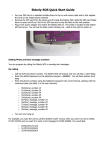
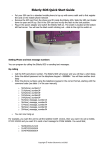
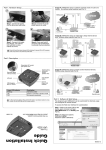
Connect power and a LAN cable to the ezOutlet
LED Indicators
LED
Green
Red
Yellow
ON
Auto Reset Is ON
Outlet Is ON
Communication With
Remote Server OK
OFF
No Internet
Outlet is OFF
n/a
Flashing
Auto Reset is OFF
n/a
No Communication
With Remote Server
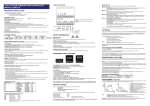
Download the Netility Software from: http://www.audon.co.uk/user/downloads/Netility.zip
Install and run the software
Found devices will be shown. Click on the device and click “Network Settings” to change IP address
settings, HTTP, Port, add a password. Click on “Refresh List” after any change.
You can then click “Launch Web User Interface” to open your default browser.
Copyright (C) Audon Electronics Ltd 2015 | Field View | Wormald Green | Harrogate | HG3 3NJ | UK
www.audon.co.uk | Phone: +44 (0)1765 677425 | Fax: +44 (0)1765676650