1
DGS-1510 Series Gigabit Ethernet SmartPro Switch CLI Reference Guide
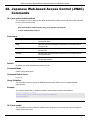
38. Japanese Web-based Access Control (JWAC)
Commands
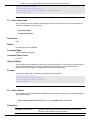
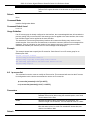
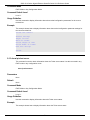
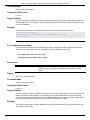
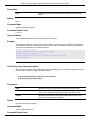
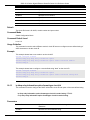
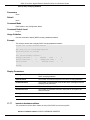
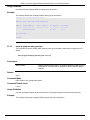
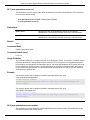
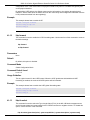
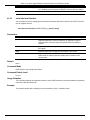
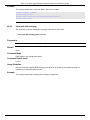
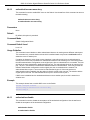
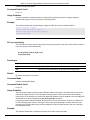
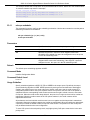
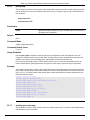
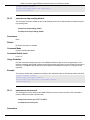
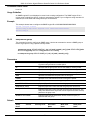
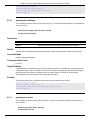
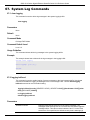
38-1 jwac authentication-method
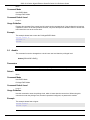
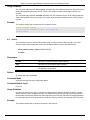
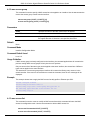
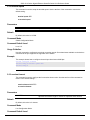
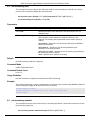
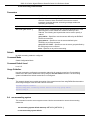
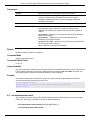
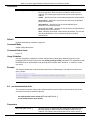
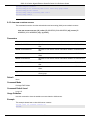
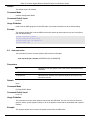
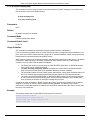
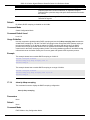
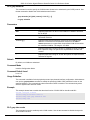
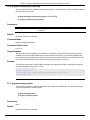
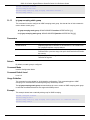
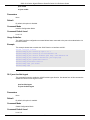
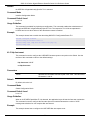
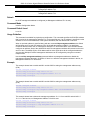
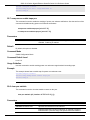
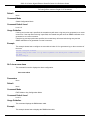
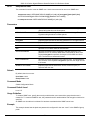
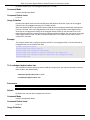
This command is used to configure the JWAC authentication method. Use the no form of this command
to return to the default setting.
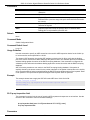
jwac authentication-method {md5 | chap | pap | mschap | mschapv2}
no jwac authentication-method
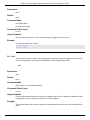
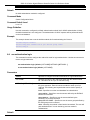
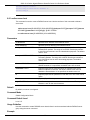
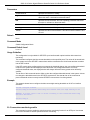
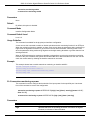
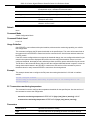
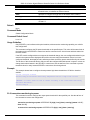
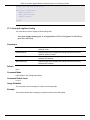
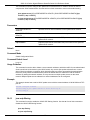
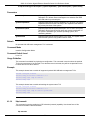
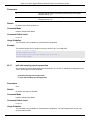
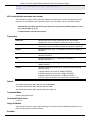
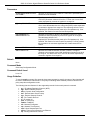
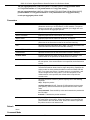
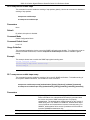
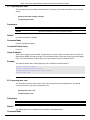
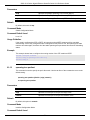
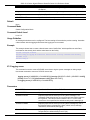
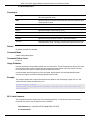
Parameters
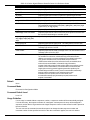
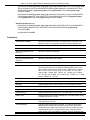
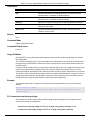
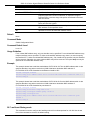
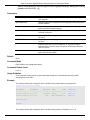
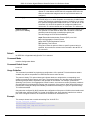
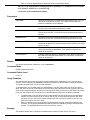
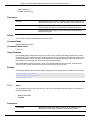
md5
Specifies that the authentication will be done via a RADIUS server
through EAP MD5.
chap
Specifies that the authentication will be done via a RADIUS server
through CHAP.
pap
Specifies that the authentication will be done via a RADIUS server
through PAP.
mschap
Specifies that the authentication will be done via a RADIUS server
through MS-CHAP.
mschapv2
Specifies that the authentication will be done via a RADIUS server
through MS-CHAPv2.
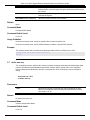
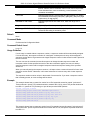
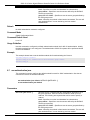
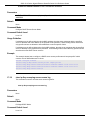
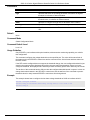
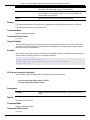
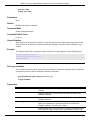
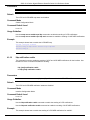
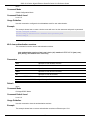
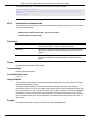
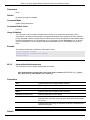
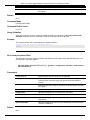
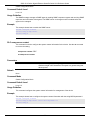
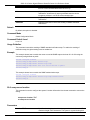
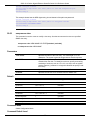
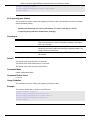
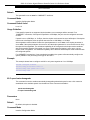
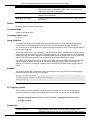
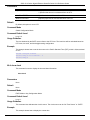
Default
By default, the JWAC authentication method is PAP.
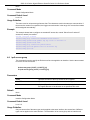
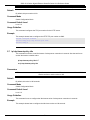
Command Mode
Global Configuration Mode.
Command Default Level
Level: 12.
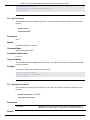
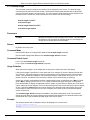
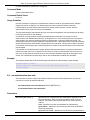
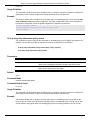
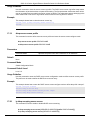
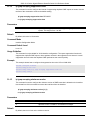
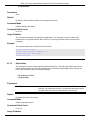
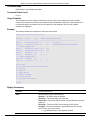
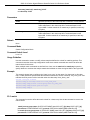
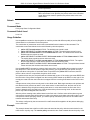
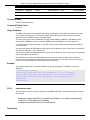
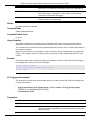
Usage Guideline
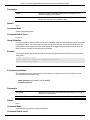
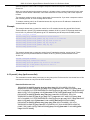
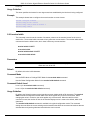
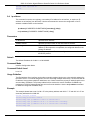
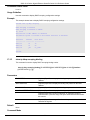
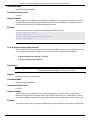
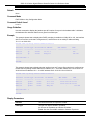
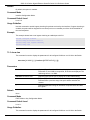
This command is used to specify the RADIUS protocol which JWAC uses to complete RADIUS
authentication.
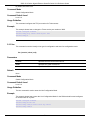
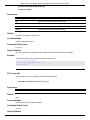
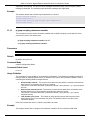
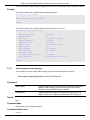
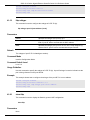
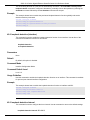
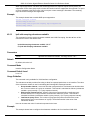
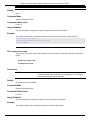
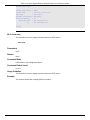
Example
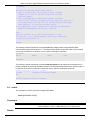
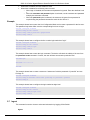
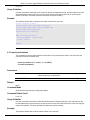
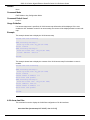
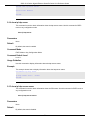
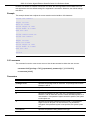
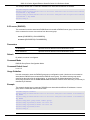
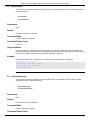
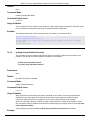
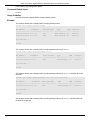
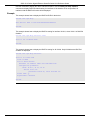
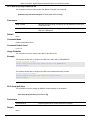
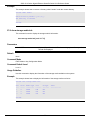
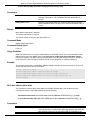
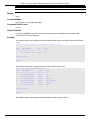
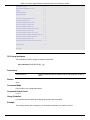
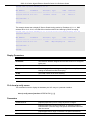
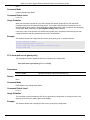
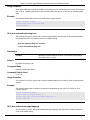
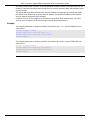
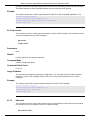
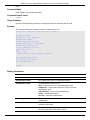
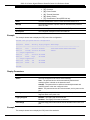
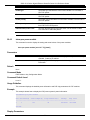
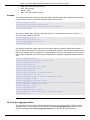
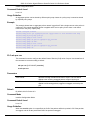
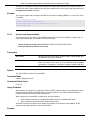
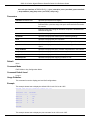
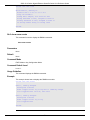
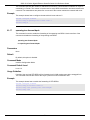
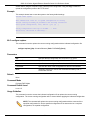
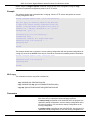
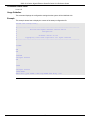
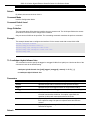
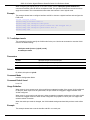
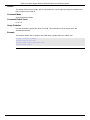
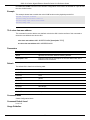
This example shows how to configure the JWAC authentication method to MS-CHAPv2.
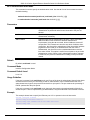
Switch# configure terminal
Switch(config)# jwac authentication-method mschapv2
Switch(config)#
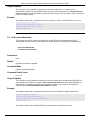
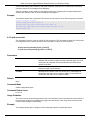
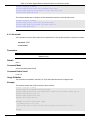
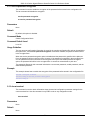
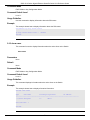
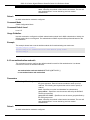
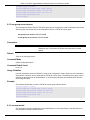
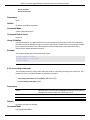
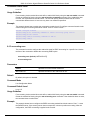
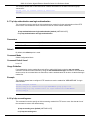
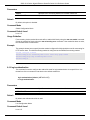
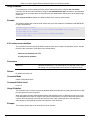
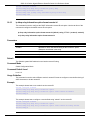
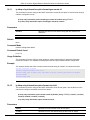
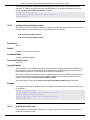
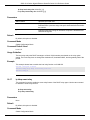
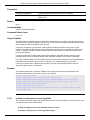
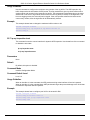
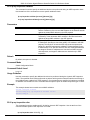
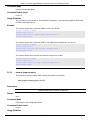
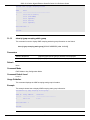
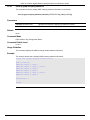
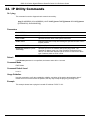
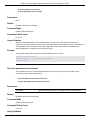
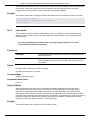
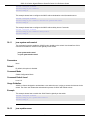
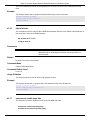
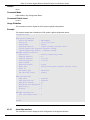
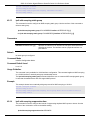
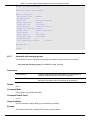
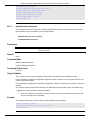
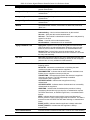
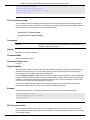
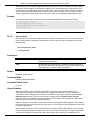
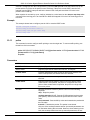
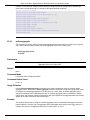
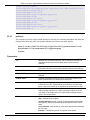
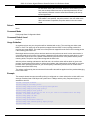
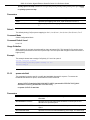
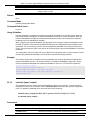
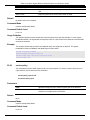
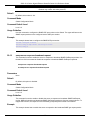
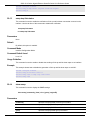
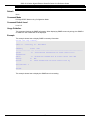
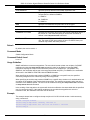
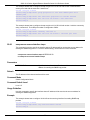
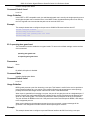
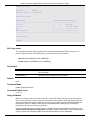
38-2 jwac enable
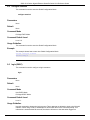
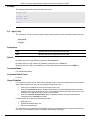
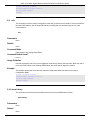
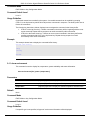
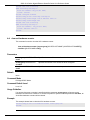
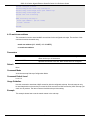
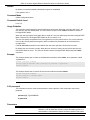
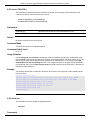
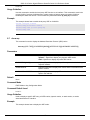
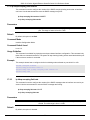
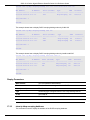
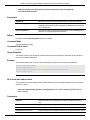
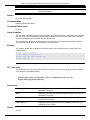
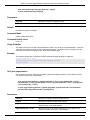
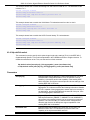
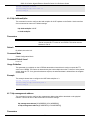
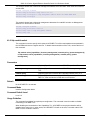
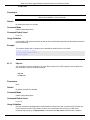
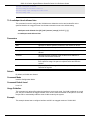
This command is used to enable the JWAC function on the port. Use the no form of this command to
disable JWAC on the port.
328