1
Remote Monitor – Web Browser
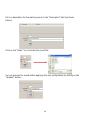
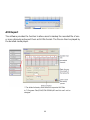
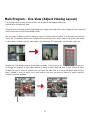
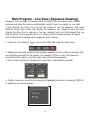
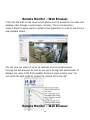
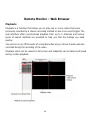
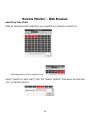
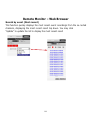
Select “All Channels” to start sequence view on all channels in single window view.
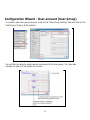
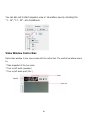
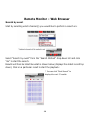
You can set the sequence interval by selecting one of the pre-defined options from
the “Interval drop-down menu. Click “Start” to begin:
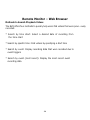
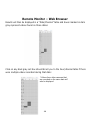
Select “All Groups” to start sequence view in quad window view (4 cameras
in one group):
Remote Monitor – Web Browser
97