1
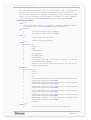
TANGO55/56 AT COMMAND SET
VERSION 1.01
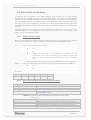
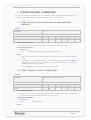
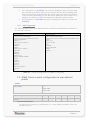
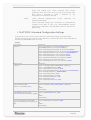
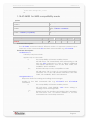
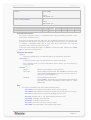
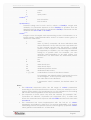
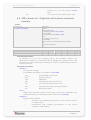
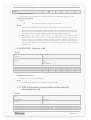
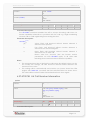
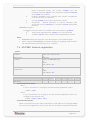
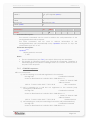
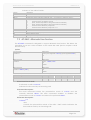
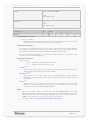
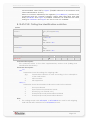
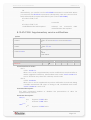
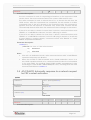
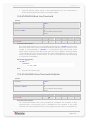
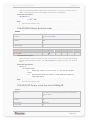
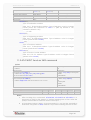
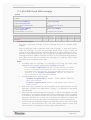
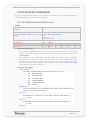
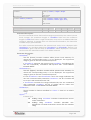
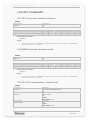
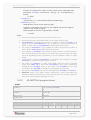
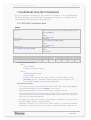
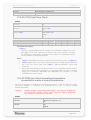
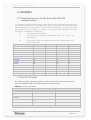
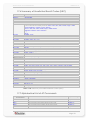
+CME ERROR: <err>
Response(s)
OK
ERROR
+CME ERROR: <err>
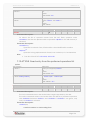
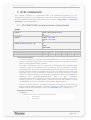
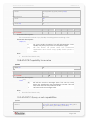
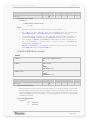
Write Command
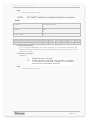
AT^SCTM=<n>
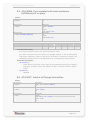
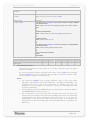
Reference(s)
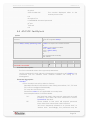
PIN
SERIAL
SIEMENS
○
●
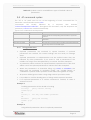
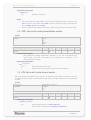
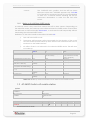
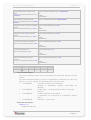
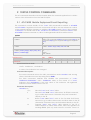
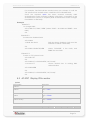
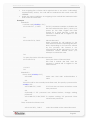
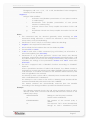
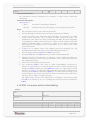
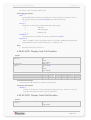
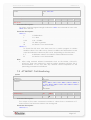
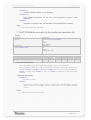
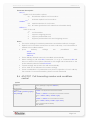
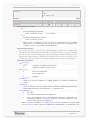
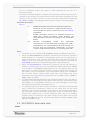
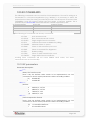
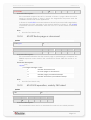
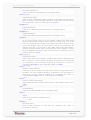
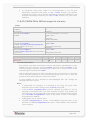
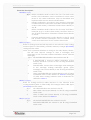
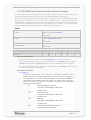
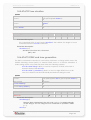
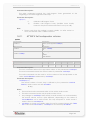
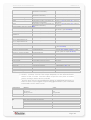
Unsolicited Result Codes
URC 1
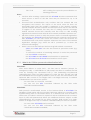
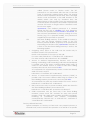
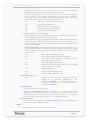
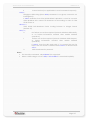
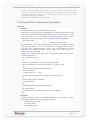
URCs will be automatically sent to the TA when the temperature reaches or
exceeds the critical level, or when it is back to normal.
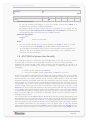
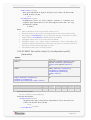
URC 2
for module (board) temperature
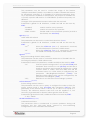
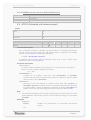
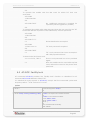
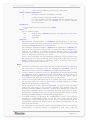
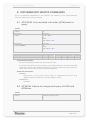
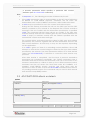
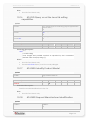
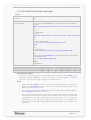
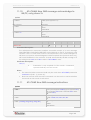
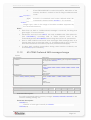
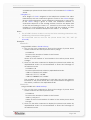
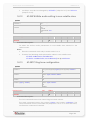
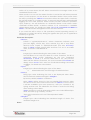
Command Description
The read command returns the URC presentation mode and information
about the current temperature range of the module.
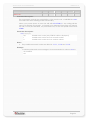
Select <n> to enable or disable the presentation of the URCs. Please note that
the setting will not be stored upon Power Down, i.e. after restart or reset, the
default <n>=0 will be restored. To benefit from the URCs <n>=1 needs to be
selected every time you reboot the GSM engine.
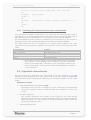
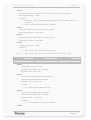
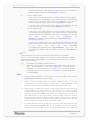
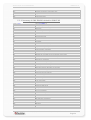
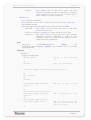
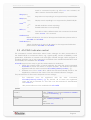
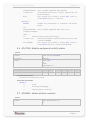
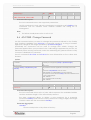
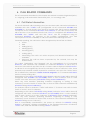
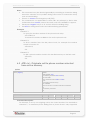
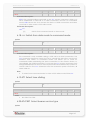
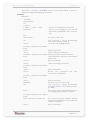
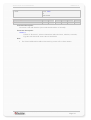
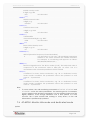
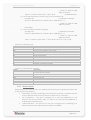
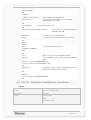
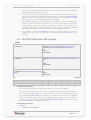
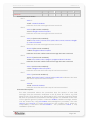
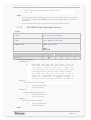
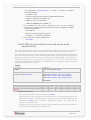
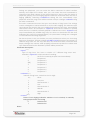
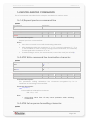
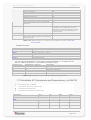
Parameter Description
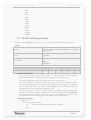
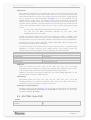
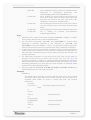
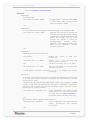
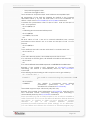
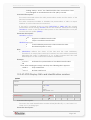
<n>(num)
0(&F)
Presentation of URCs is disabled (except for <m> equal
to -2 or +2).
1
Presentation of URCs is enabled.
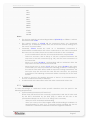
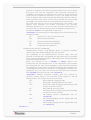
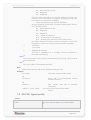
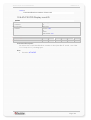
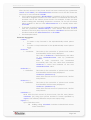
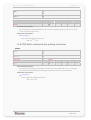
<m>(num)
-2
Below
lowest
temperature
immediate switch-off)
limit
(causes
-1
Below low temperature alert limit
0
Normal operating temperature
1
Above upper temperature alert limit
2
Above uppermost temperature limit (causes
immediate switch-off)
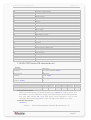
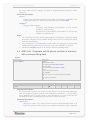
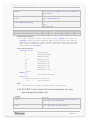
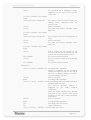
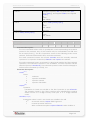
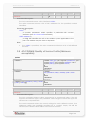
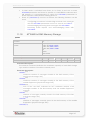
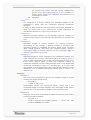
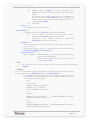
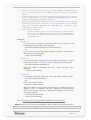
Notes
•
Please refer to the "Hardware Interface Description" for specifications on
critical temperature ranges.
•
To avoid damage the module will shut down once the critical temperature
is exceeded. The procedure is equivalent to the power-down initiated with
Table 2.3.
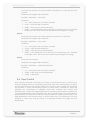
•
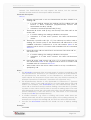
URCs indicating the alert level "1" or "-1" are intended to enable the user to
take appropriate precautions, such as protect the module from exposure
to extreme conditions, or save or back up data etc. The presentation of "1"
or "-1" URCs depends on the settings selected with the write command:
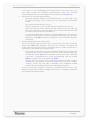
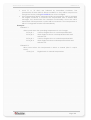
•
If <n>=0: Presentation is enabled for 15 s time after the module was
switched on. After 15 s operation, the presentation will be disabled, i.e. no
URCs will be generated. If <n>= 1: Presentation of "1" or"-1" URCs is always
enabled.
This confidential document is the property of FALCOM GmbH and may not be copied or circulated without permission.
Page 257