1
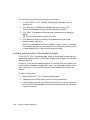
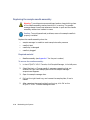
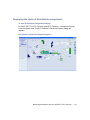
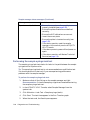
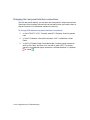
Displaying the binary solvent manager’s rear panel interface
connections
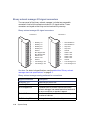
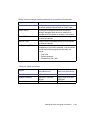
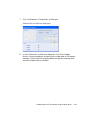
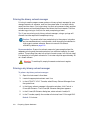
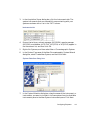
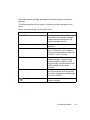
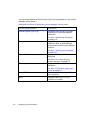
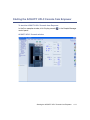
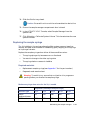
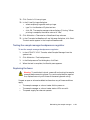
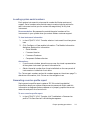
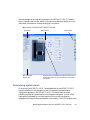
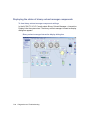
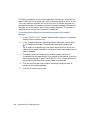
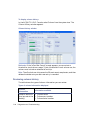
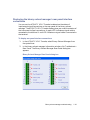
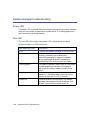
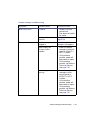
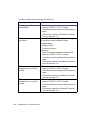
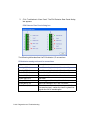
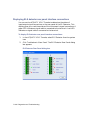
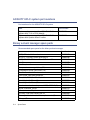
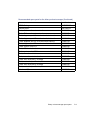
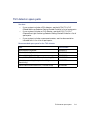
You can use the ACQUITY UPLC Console to determine the status of
input/output signal connections on the rear panel of the binary solvent
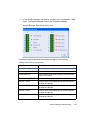
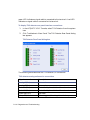
manager. The ACQUITY UPLC Console display gives you a real-time status of
the instrument’s signal connections. A green LED indicates a signal cable is
connected to the terminal. A red LED indicates no signal cable is connected to
the terminal.
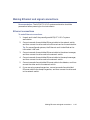
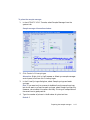
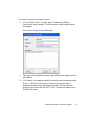
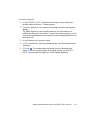
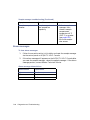
To display rear panel interface connections:
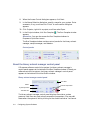
1.
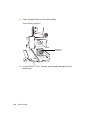
In the ACQUITY UPLC Console, select Binary Solvent Manager from
the system tree.
2.
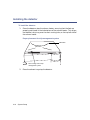
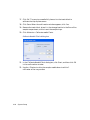
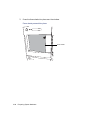
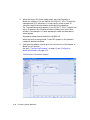
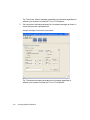
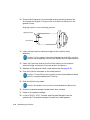
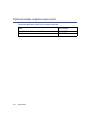
In the binary solvent manager information window, click Troubleshoot >
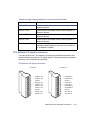
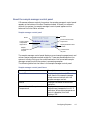
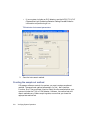
Rear Panel. The Binary Solvent Manager Rear Panel dialog box
appears.
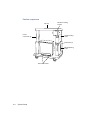
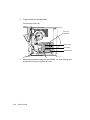
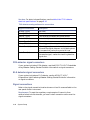
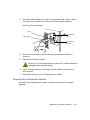
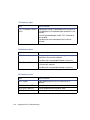
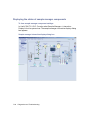
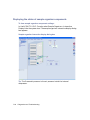
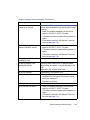
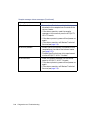
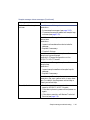
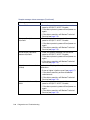
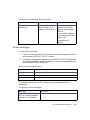
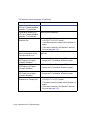
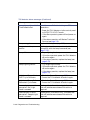
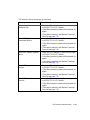
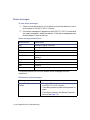
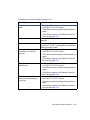
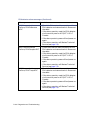
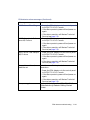
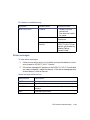
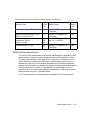
Binary Solvent Manager Rear Panel dialog box
Binary solvent manager troubleshooting
7-57