1
BIOS Setup
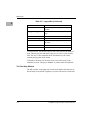
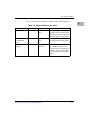
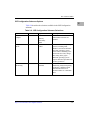
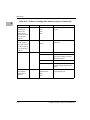
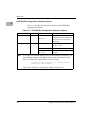
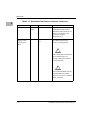
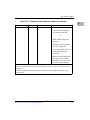
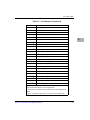
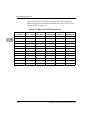
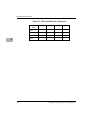
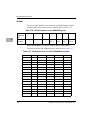
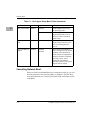
Table 2-2. Legend Bar (Continued)
2
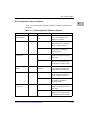
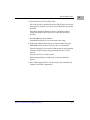
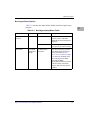
Use this key:
To:
<Home> or <End>
move the cursor to the top or bottom of the
window
<PgUp> or <PgDn>
move the cursor to the next or previous
page
<F5> or <->
select the previous value for the field
<F6> or <+> or <Space>
select the next value for the field
<F9>
load the default configuration values for
all menus
<F10>
save and exit
<Enter>
execute a command or select > a submenu
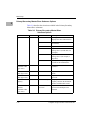
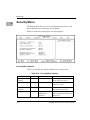
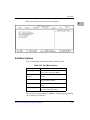
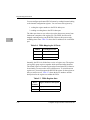
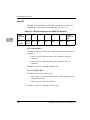
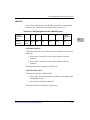
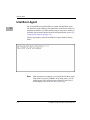
To select an item, use the arrow keys to move the cursor to the field you
want. Then use the plus and minus value keys to select a value for that
field. The Save Value commands in the Exit Menu save the values
currently displayed in all the menus.
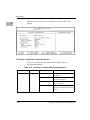
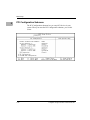
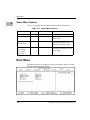
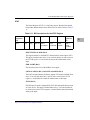
To display a submenu, use the arrow keys to move the cursor to the
submenu you want. Then press <Enter>. A pointer marks all submenus.
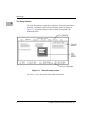
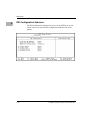
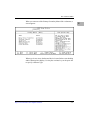
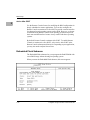
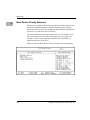
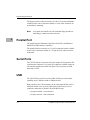
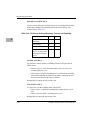
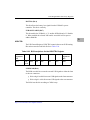
The Field Help Window
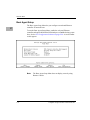
The help window on the right side of each menu displays the help text for
the currently selected field. It updates as you move the cursor to each field.
2-4
Computer Group Literature Center Web Site