1
2.5 PCI/PnP Setup
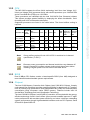
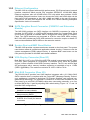
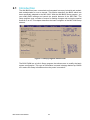
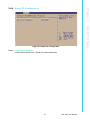
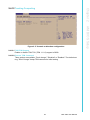
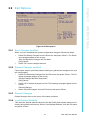
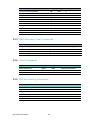
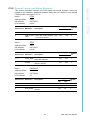
Select the PCI/PnP tab from the MIC-3393 setup screen to enter the Plug and Play
BIOS Setup screen. You can display a Plug and Play BIOS Setup option by highlighting it using the <Arrow> keys. All Plug and Play BIOS Setup options are described in
this section. The Plug and Play BIOS Setup screen is shown below.
Figure 2.18 PCI/PnP setup
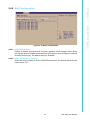
2.5.1 Clear NVRAM
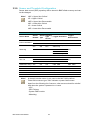
Set this value to force the BIOS to clear the Non-Volatile Random Access Memory
(NVRAM) during system boot. The default setting is "No".
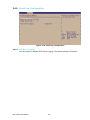
2.5.2 Plug and Play O/S
Select "No" to let the BIOS configure all the devices in the system. Select "YES" will
let the operating system configure Plug and Play (Pnp) devices that are not required
for boot if your system has a Plug and Play operating system. The default setting is
"No".
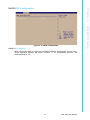
2.5.3 PCI Latency Timer
This option sets the latency of all PCI devices on the PCI bus. The default setting is
64.
MIC-3393 User Manual
40