1
David Brown, BSc (Hons) Computing, 2002
- 75 -
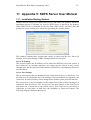
ODBC Settings
Before entering any information in this section, ODBC data sources must be created
first. On Windows NT, 2000 & XP it is located in Control Panel/Administrative tools
and on Windows 98 & ME, it is located in the Control Panel. When these data sources
are created, the Data Source Names (DSNs) are entered for each server in this section.
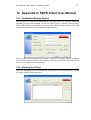
Server Password
This section requires the password for the SDFS Server. This password will enable
the administrator to change the Server settings at a later stage. Without this password,
these settings cannot be changed, which prevents unauthorised tampering.
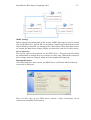
Running the Server
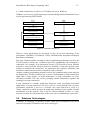
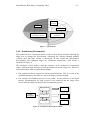
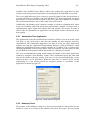
After the settings have been entered, the SDFS Server will launch and the following
screen will be displayed:
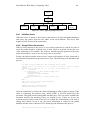
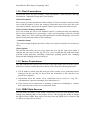
There are three tabs on the SDFS Server window: Client Connections, Server
Connections and ODBC Data Sources.