1
-
-
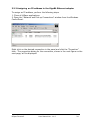
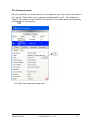
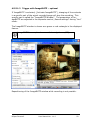
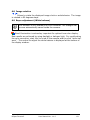
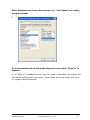
Highlight the Internet Protocol (TCP/IP) by clicking on the text-part, not
on the check-box.
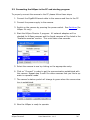
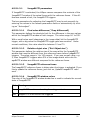
Click the “Properties” button. The next dialog will allow you to assign an
IP-Adress and the subnet-mask of the GigaBit network-adapter
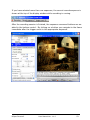
Assign any desired IP address, that is not used, e.g. 192.168.101.1, set
the subnet-mask to 255.255.255.0.
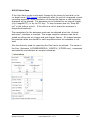
Click on “OK”
HiSpec Director2
User Manual Ver. 1.1.0
25