1
Pricing, Time Sales List
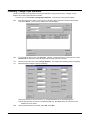
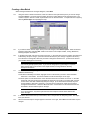
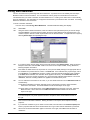
This is the procedure that is used to actually put your timed sales into effect. When you process a timed sale, it is
automatically scheduled and goes into effect on its starting date. All timed sales that have been processed can be
viewed from the Timed Sale List.
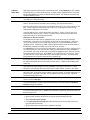
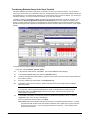
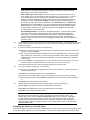
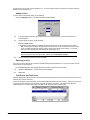
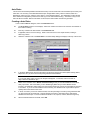
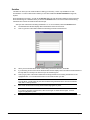
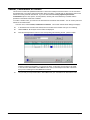
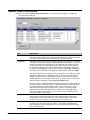
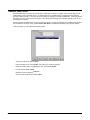
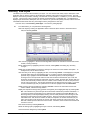
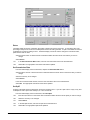
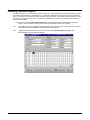
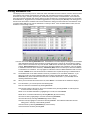
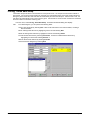
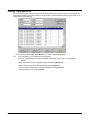
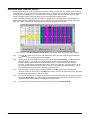
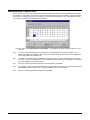
From the menu, select Pricing, Timed Sale List. The Sales Listing window displays.
219.
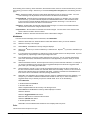
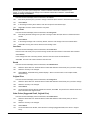
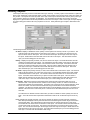
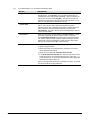
From this window, you can perform the following tasks:
Search for a sales listing by entering the applicable criteria (date, brand, style, etc.) and selecting
Search.
Delete a sale from the list by highlighting the item and selecting Delete Sale.
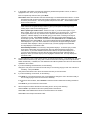
Deleting all sales shown in the current window by selecting Delete All.
Print a list of all the items shown in the current window by selecting Print List.
Close and exit the window by selecting Exit.
Run.It! Retail Software System
Move.It! Module • 69