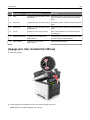
1
Maintaining the printer
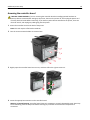
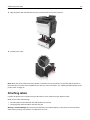
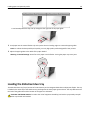
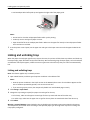
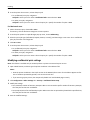
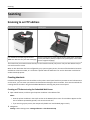
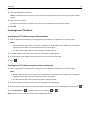
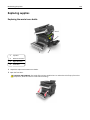
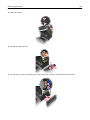
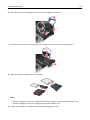
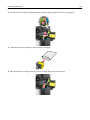
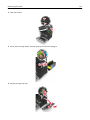
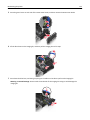
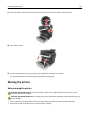
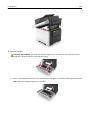
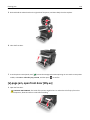
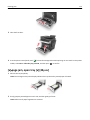
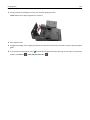
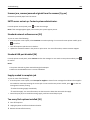
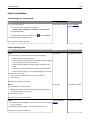
3 Remove the toner cartridges by lifting the handles, and then gently pulling them away from the imaging kit.
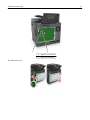
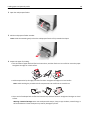
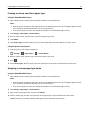
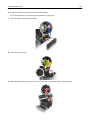
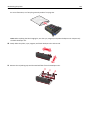
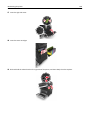
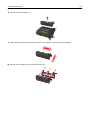
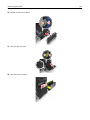
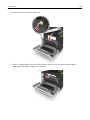
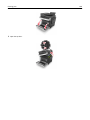
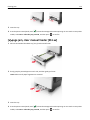
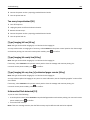
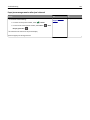
4 Remove the right side cover.
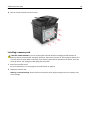
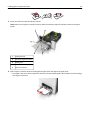
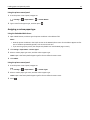
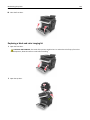
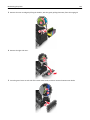
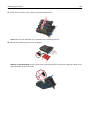
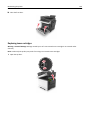
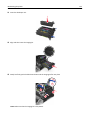
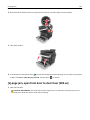
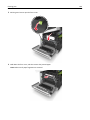
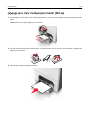
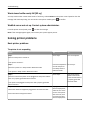
5 Press the green levers on each side of the waste toner bottle, and then remove the waste toner bottle.
143