1
CHAPTER A. USER MANUAL
58
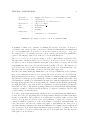
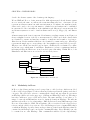
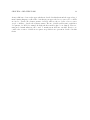
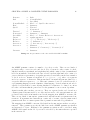
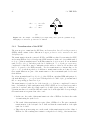
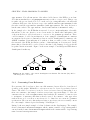
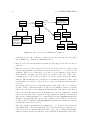
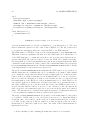
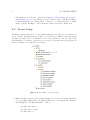
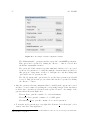
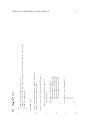
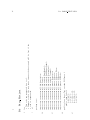
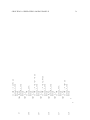
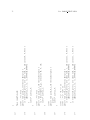
Figure A.4: An example of generated files
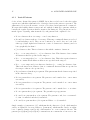
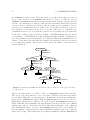
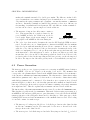
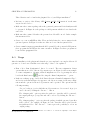
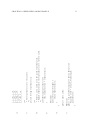
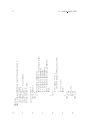
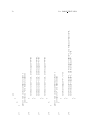
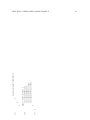
• When the process is finished refresh the project by right clicking the project and clicking “refresh”.3 Now, if the input programs were correct, a number of XML files are
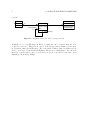
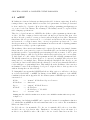
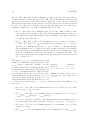
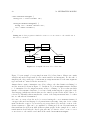
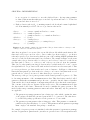
generated in the folder that was specified in the run configuration. Figure A.5 shows
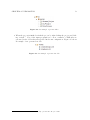
an example of two generated models.
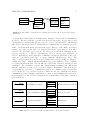
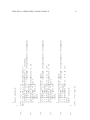
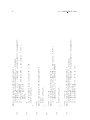
Figure A.5: An example of generated models
3
You can also check the “Build Automatically” option in the “Project” menu