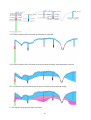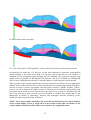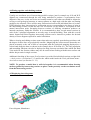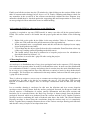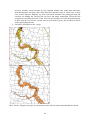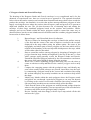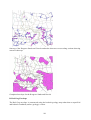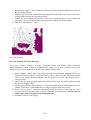
1
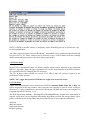
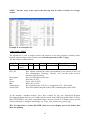
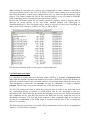
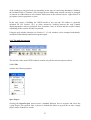
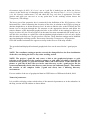
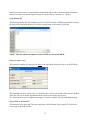
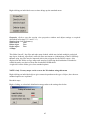
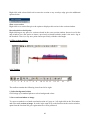
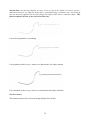
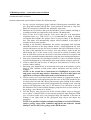
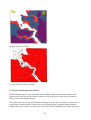
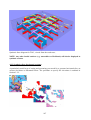
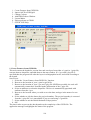
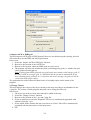
5. Zoom In
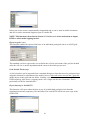
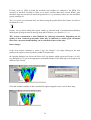
Click on, then click in window and hold down whilst dragging mouse to construct a marquee
around the area to zoom in to, release on completion
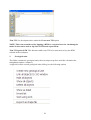
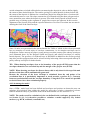
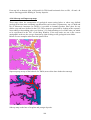
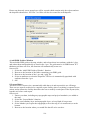
6. Zoom Out
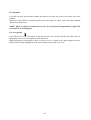
Click on, click in window, and repeat to incrementally reduce the magnification. This tool cannot
draw a box to zoom out to a specified area.
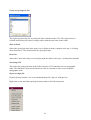
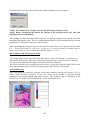
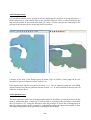
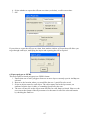
7. Pan
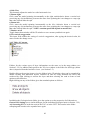
Click, then click in window and hold, drag to new position and release, drag and drop.
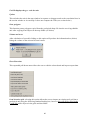
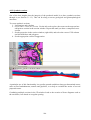
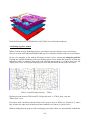
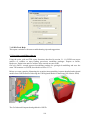
8. Back to previous view
Click, displays previous views, useful in scale changes, (not an undo button though).
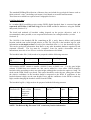
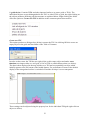
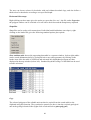
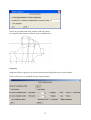
9. Construct Polygon (only active if unit is active in table of contents)
Enables the construction of a new polygon during envelope building,
Click to activate, click at start position, and then click to add nodes to make shape double click
close to the first node to complete
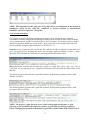
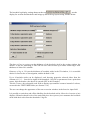
10. Node editor (only active if unit is active in table of contents)
Mainly used in editing polygon shapes or dragging nodes to overlap adjacent polygons to enable
combination.
Click to activate, right click to select any polygon, displays all existing nodes. Enables addition
of nodes to line by clicking on it and removing nodes by double clicking on them.
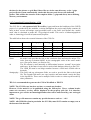
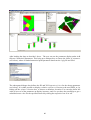
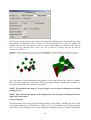
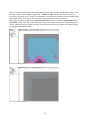
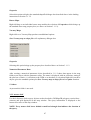
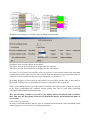
11. Split Polygon (only active if unit is active in table of contents)
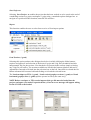
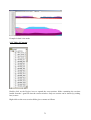
Very useful for chopping away chunks of a polygon during the construction of envelopes.
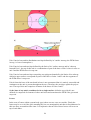
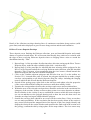
Click to activate, click at point outside polygon to start a line for splitting, then drag to beyond
other side of polygon and double click to produce a line crossing the polygon splitting it in two.
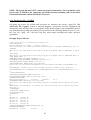
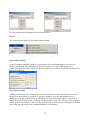
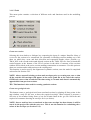
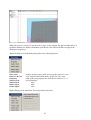
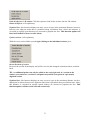
Then use polygon info tool (see below), click on it to activate it, then right click on any segment
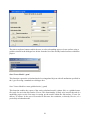
of line in the half of the polygon you wish to be deleted, and select delete polygon from pull
down menu, finally confirm your decision.
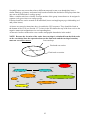
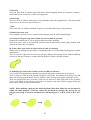
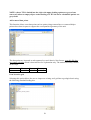
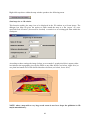
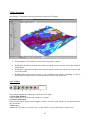
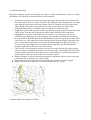
NOTE: When splitting a polygon the initial and final clicks that define the cut line must be
within the same polygon. A cut line cannot be produced by starting the cut line in one
polygon traversing a second to terminate in a third polygon i.e. A-B-A works A-B-C does
not.
50