1
User Manual
3.2
Adding Folders
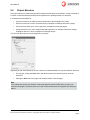
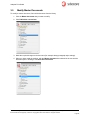
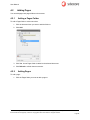
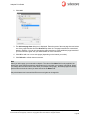
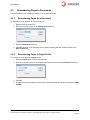
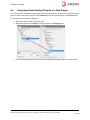
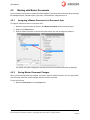
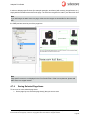
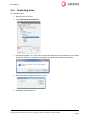
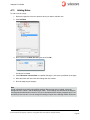
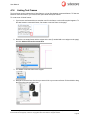
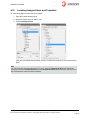
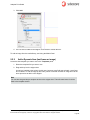
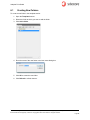
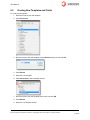
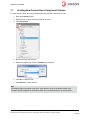
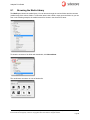
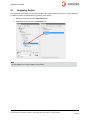
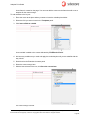
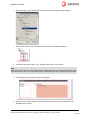
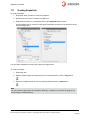
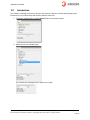
To add a folder:
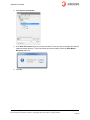
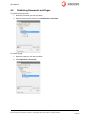
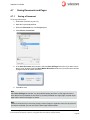
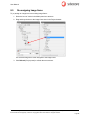
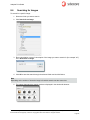
1. Select the folder where you want to create the new folder.
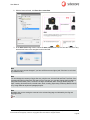
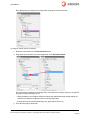
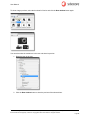
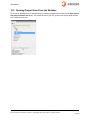
2. Click the Add a folder.
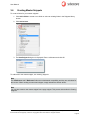
3. Name the folder OK.
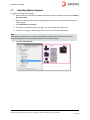
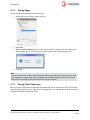
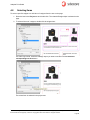
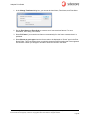
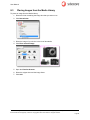
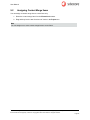
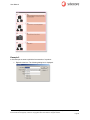
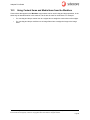
4. The new folder item is created. Click the Refresh button to see the new folder.
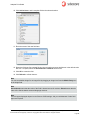
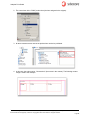
Note
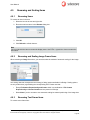
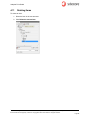
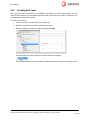
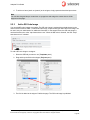
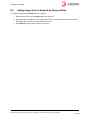
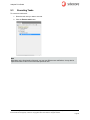
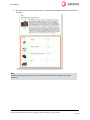
You can right-click to rename the item’s display name in the tree. Use CTRL + right-click to rename
the item name.
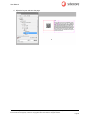
Sitecore distinguishes between item names and display names. Display names provide an alternate
descriptive name for content items. If provided, the display name overrides the default display of the
item's name.
Display names are useful when working with different languages the display name allows you to work
with language specific display names. When you want to use character(s) that you can't use in item
names. While the item name does not allow special characters, the display name can include these
characters.
Sitecore® is a registered trademark. All other brand and product names are the property of their respective holders. The contents of
this document are the property of Sitecore. Copyright © 2001-2012 Sitecore. All rights reserved.
Page 13