1
28
HTML Editor Details
Because it operates in the browser, an HTML editor behaves slightly differently from
other tools such as Microsoft Word. Most icons resemble those known from Word and
work in the same way. Some functions not available in Word are available as well.
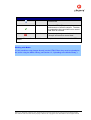
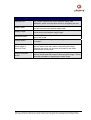
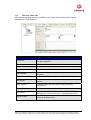
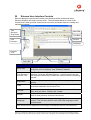
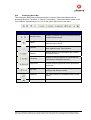
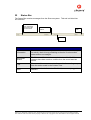
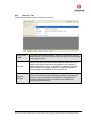
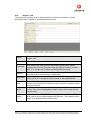
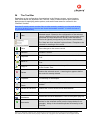
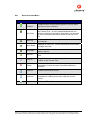
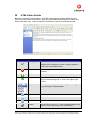
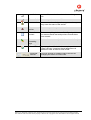
HTML Editor icons
Accept
Saves changes and close the HTML editor. This is
different from saving the record; it simply updates a
field in the record before save.
Cancel
Lose changes made in the HTML editor since it was
opened.
Save
Saves all changes to the record since the last save.
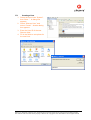
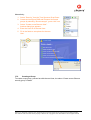
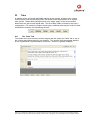
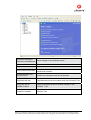
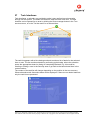
Tasks
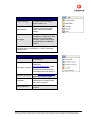
Open additional menus (described below). Menus
may be closed using the “X” icon in the upper right
corner.
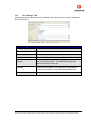
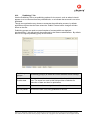
Styles
Format text using predefined text styles as configured
by a developer or administrator.
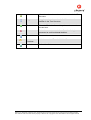
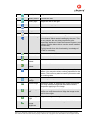
Bold
Bold font
Italic
Italic font
Underline
Underline font
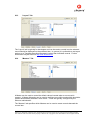
Colour
By clicking on this icon, a colour palette appears from
which a colour for the text may be selected.
Sitecore User Manual
Page 62 of 66
Sitecore is a trademark of Sitecore A/S. All other brand and product names are the property of their respective holders.
The contents of this document are the property of Sitecore A/S. Copyright © 2001-2004 Sitecore A/S. All rights reserved