1
CHAPTER 22: Auditioning Audio
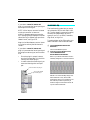
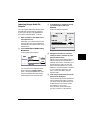
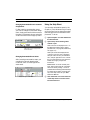
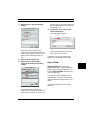
Auditioning with the Audio
Instruments Window
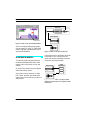
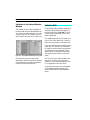
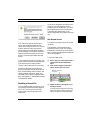
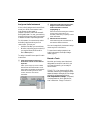
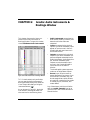
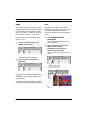
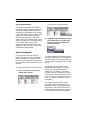
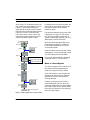
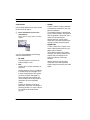
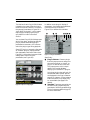
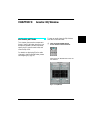
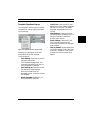
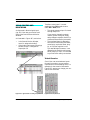
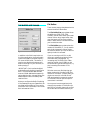
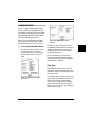
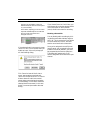
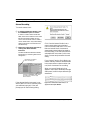
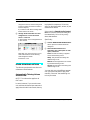
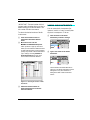
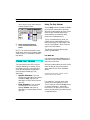
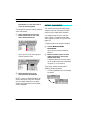
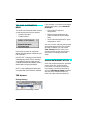
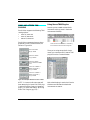
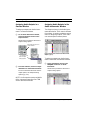
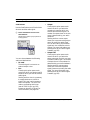
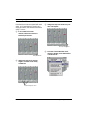
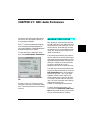
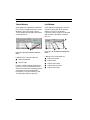
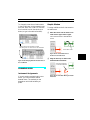
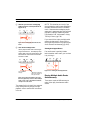
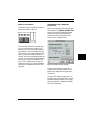
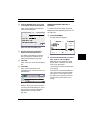
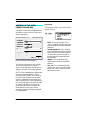
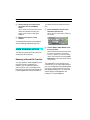
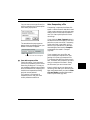
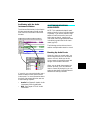
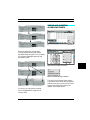
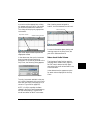
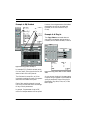
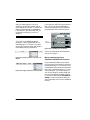
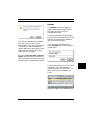
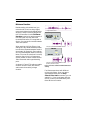
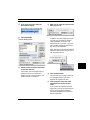
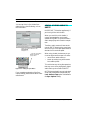
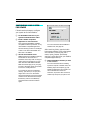
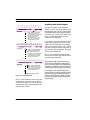
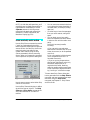
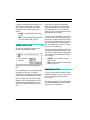
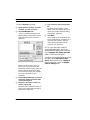
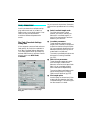
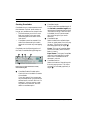
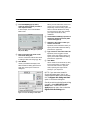
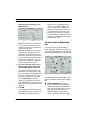
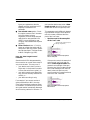
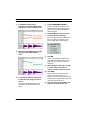
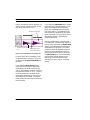
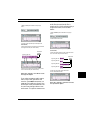
The Mute and Solo buttons in the Graphic
Window are duplicates of the Mute and
Solo columns in the Audio Instruments
Window.
AUDITIONING INDIVIDUAL
AUDIO EVENTS
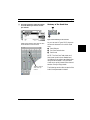
NOTE: This method works best for small
sections of audio (such as individual words
or phrases). If you wish to audition large
sections of continuous audio (such as an
entire verse or chorus), use the Audio
Instrument auditioning method discussed
in Auditioning Individual Audio Instruments (pg. 245).
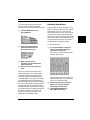
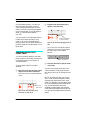
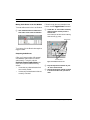
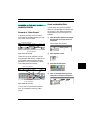
The following sections discuss how to
audition multiple audio events in a track.
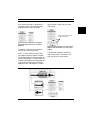
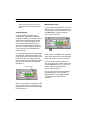
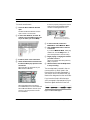
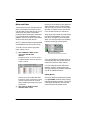
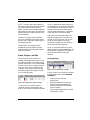
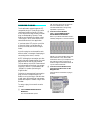
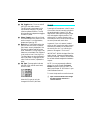
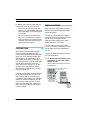
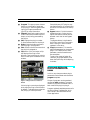
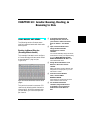
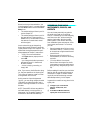
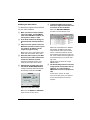
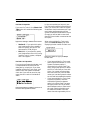
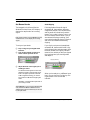
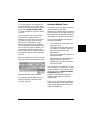
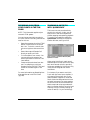
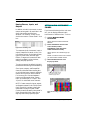
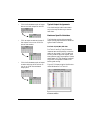
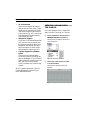
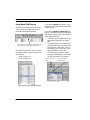
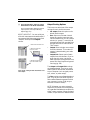
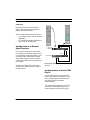
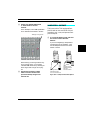
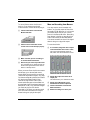
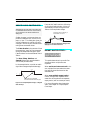
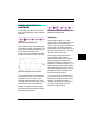
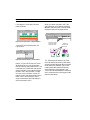
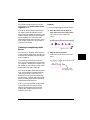
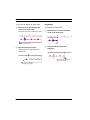
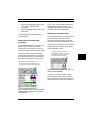
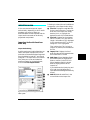
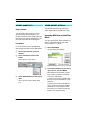
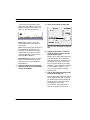
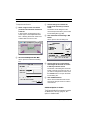
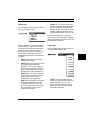
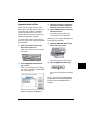
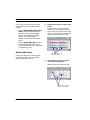
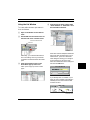
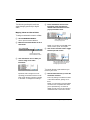
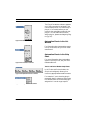
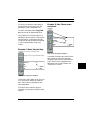
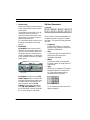
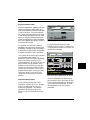
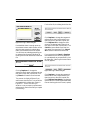
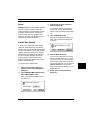
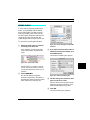
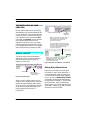
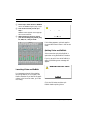
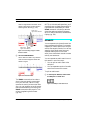
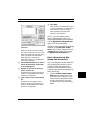
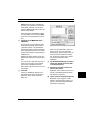
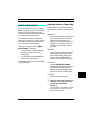
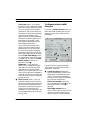
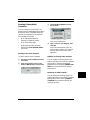
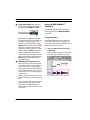
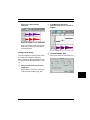
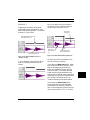
Breaking Up Audio Events
Generally, when you record audio, you
record long sections (such as an entire
verse or chorus). When you do this,
Vision creates a single audio event and
assigns it to an Audio Instrument.
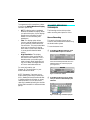
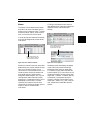
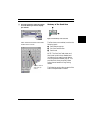
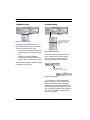
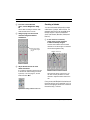
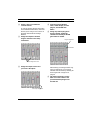
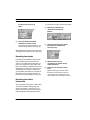
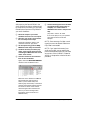
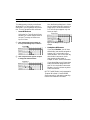
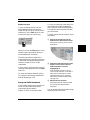
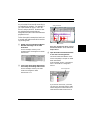
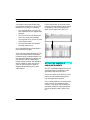
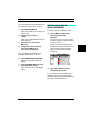
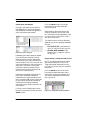
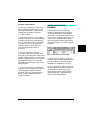
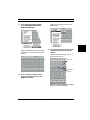
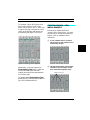
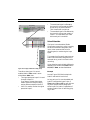
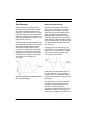
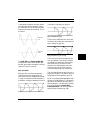
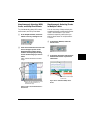
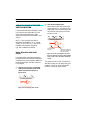
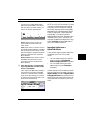
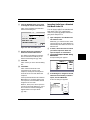
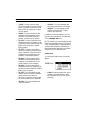
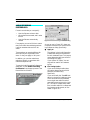
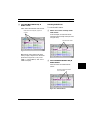
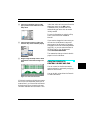
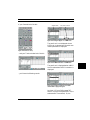
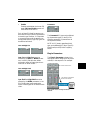
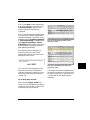
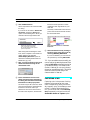
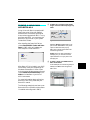
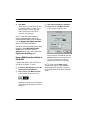
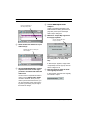
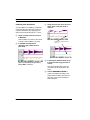
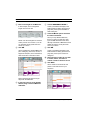
Often, you can break these events into
shorter “phrases” (such as individual
lines in a verse). By doing this, you can
select the best parts of multiple takes to
assemble an entirely new take.
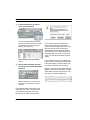
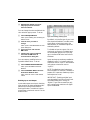
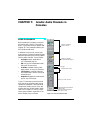
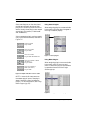
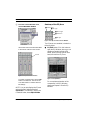
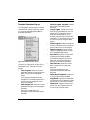
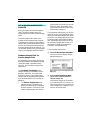
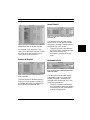
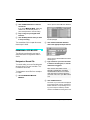
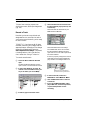
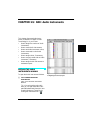
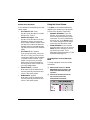
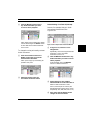
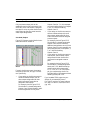
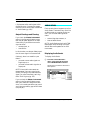
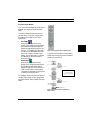
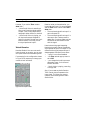
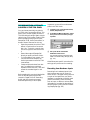
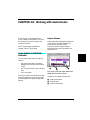
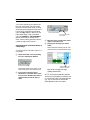
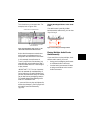
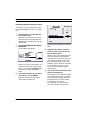
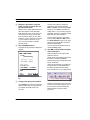
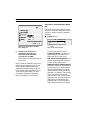
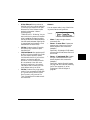
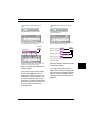
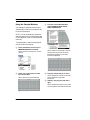
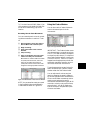
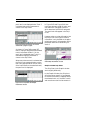
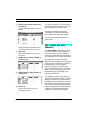
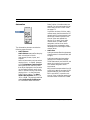
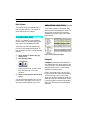
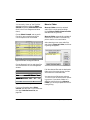
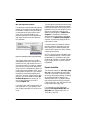
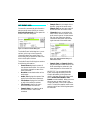
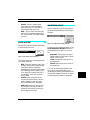
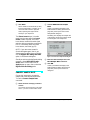
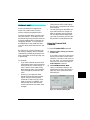
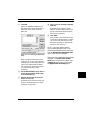
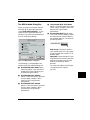
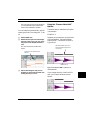
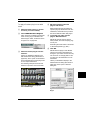
If you wish, you can use the Audio Instruments Window to mute and solo Audio
Instruments. For more information about
the Audio Instruments Window, see one
of the following chapters:
•
•
Acadia: See Chapter 6: Acadia: Audio
Instruments & Routings Window.
DAE: See Chapter 15: DAE: Audio
Instruments.
Vision & Studio Vision Pro — Audio Reference Manual
247