1
Home > Machine Settings > Change Machine Settings from Your Computer > Change the Machine Settings
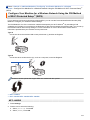
Using Remote Setup > Remote Setup (Macintosh) > Set Up the Brother Machine Using ControlCenter2
(Macintosh)
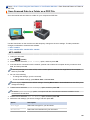
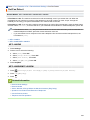
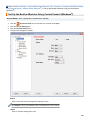
Set Up the Brother Machine Using ControlCenter2 (Macintosh)
Related Models: MFC-J480DW/MFC-J680DW/MFC-J880DW
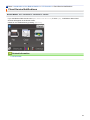
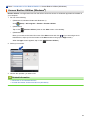
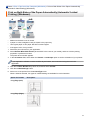
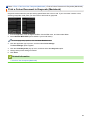
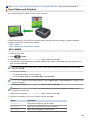
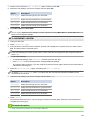
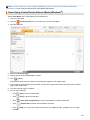
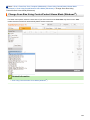
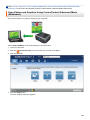
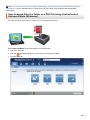
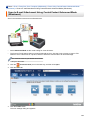
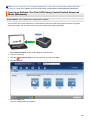
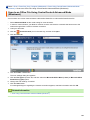
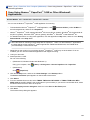
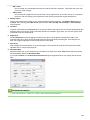
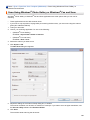
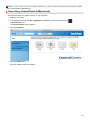
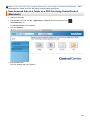
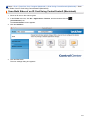
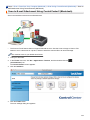
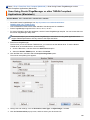
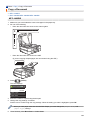
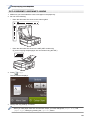
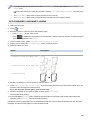
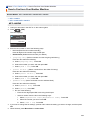
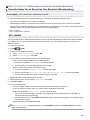
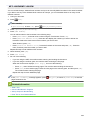
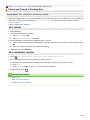
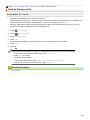
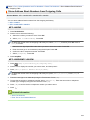
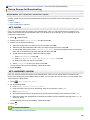
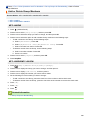
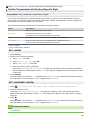
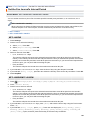
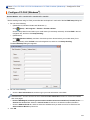
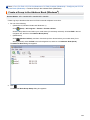
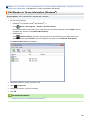
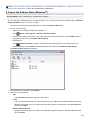
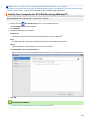
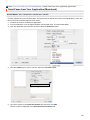
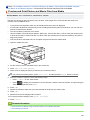
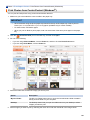
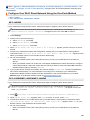
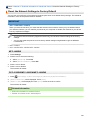
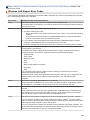
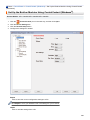
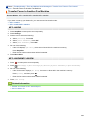
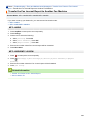
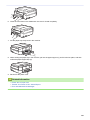
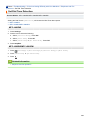
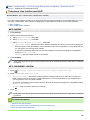
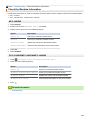
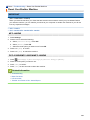
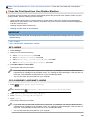
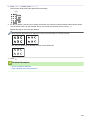
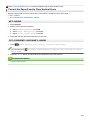
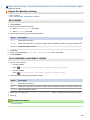
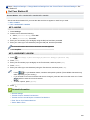
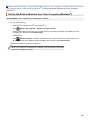
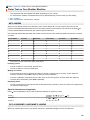
1. In the Finder menu bar, click Go > Applications > Brother, and then double-click the
(ControlCenter) icon.
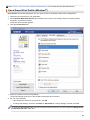
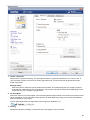
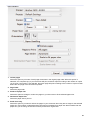
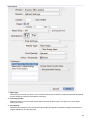
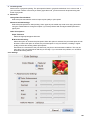
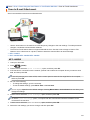
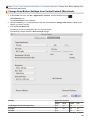
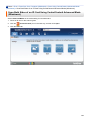
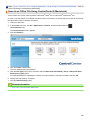
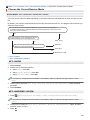
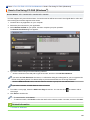
The ControlCenter2 screen appears.
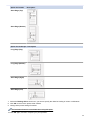
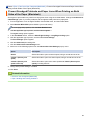
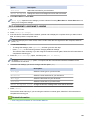
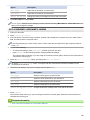
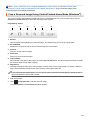
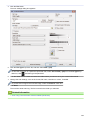
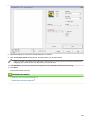
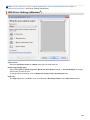
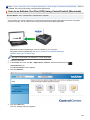
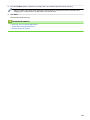
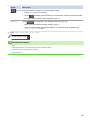
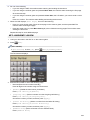
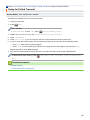
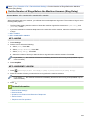
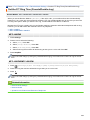
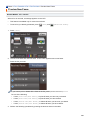
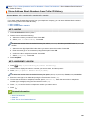
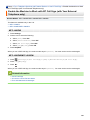
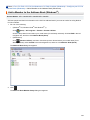
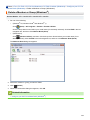
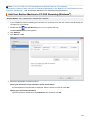
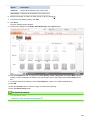
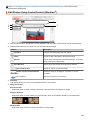
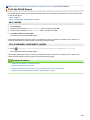
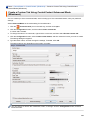
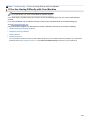
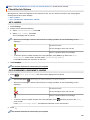
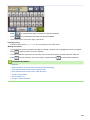
2. Click the DEVICE SETTINGS tab.
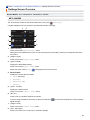
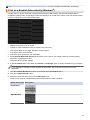
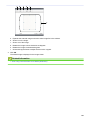
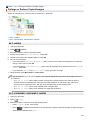
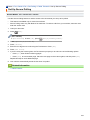
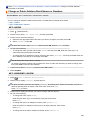
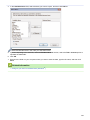
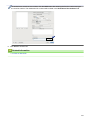
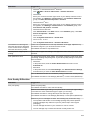
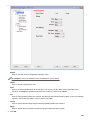
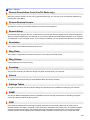
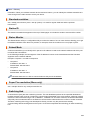
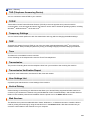
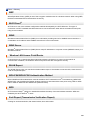
3. Click the Remote Setup button.
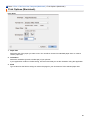
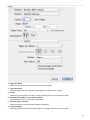
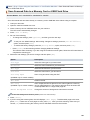
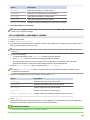
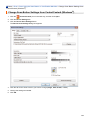
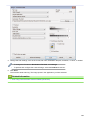
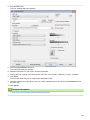
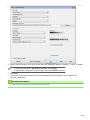
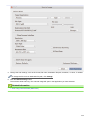
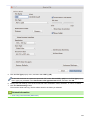
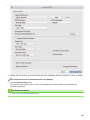
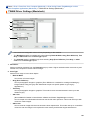
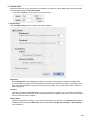
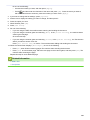
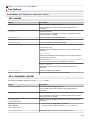
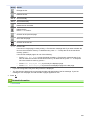
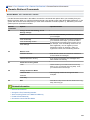
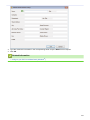
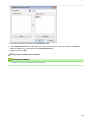
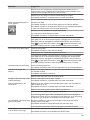
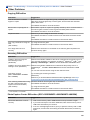
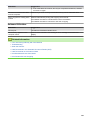
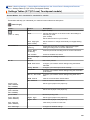
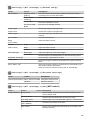
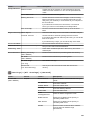
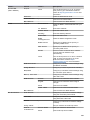
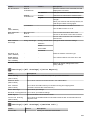
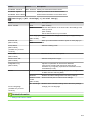
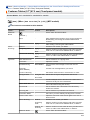
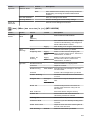
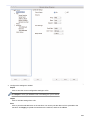
The Remote Setup Program screen appears.
590