1
PC520M_英 06.4.28 3:30 PM ページ 9
D-1034-141 SANWA PC520M(E)
Note:
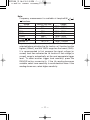
• Data logging mode is not available for 50.00µF, 500.0µF and
9999µF range because of slow response for large capacitance.
• The sampling speed cannot be set when the data logging is
running.
Please set the sampling speed before starting the data
logging, or pause the data if you want to alter the sampling
speed setting during data logging.
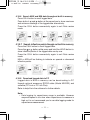
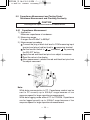
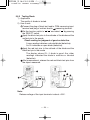
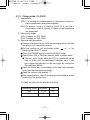
4-10-2 Start and Stop data logging mode
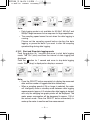
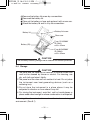
Push the button for 1 second and more to start data logging
mode. The 'Strt' (start) and then the interval of data logging are
displayed.
Push the
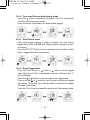
button for 1 second and more to stop data logging
mode. 'StoP' (stop) is displayed on display a moment.
1S
1S
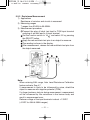
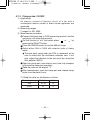
Note:
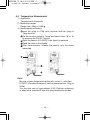
• Press the SELECT button momentarily to display the measured
data and the number of logged data item alternatively.
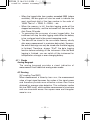
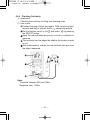
• When a sampling speed of 20s or longer is selected, the meter
will intelligently enter a standby mode between data logging
measurements (approx. 4.5 minutes after data logging is started)
with only the swinging bar-graph pointer will be displayed. The
meter power consumption will be decreased to approx. 1/30 of
the normal mode. Press the SELECT button momentarily to
wake up the meter to see the real time measurement.
— 9 —