1
OPERATION AND CONFIGURATION 9
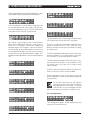
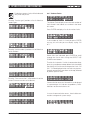
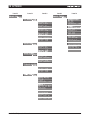
The Subnet Number info page displays the individual
identification number assigned to this particular NLB
60E as shown in the DeviceControl application.
The Serial Number, MAC address and Firmware
version displays are provided for convenient review,
and to aid in technical support and troubleshooting.
The Serial Number is also displayed by a sticker on
the rear-panel of the NLB 60E.
The MAC address is the unique network identifier
that is used for Ethernet communication. There is no
end-user configuration of this address.
Firmware version identifies the version currently
loaded in the NLB 60E. Verification of this number
is recommended both before and after you perform
a firmware update to ensure the process has been
completed. See Appendix for more information on
firmware updating.
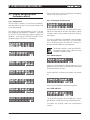
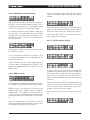
The IP Address, Subnet Mask and Gateway pages
show the TCP/IP Ethernet connection settings for
the NLB 60E.
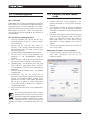
The default IP Address is 192.168.1.166. Default
Subnet Mask is 255.255.255.0.
If DHCP is displayed in the top row, the IP address,
Subnet Mask, and Gateway are automatically assigned from a DHCP server connected to the Local
Area Network (LAN).
The Gateway defaults to 0.0.0.0. As the NLB 60E
does not support communication across routers and
external network bridges in its current implementation, the Gateway setting is presently redundant.
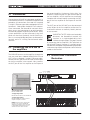
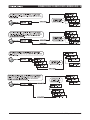
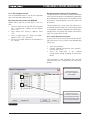
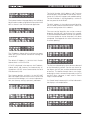
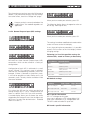
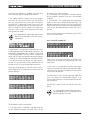
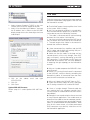
The Device number display shows devices detected
on the NomadLink network. Devices are shown for
the IN port, the OUT port, and the combined number
of devices. The above example shows two singleended daisy-chains connected separately to the IN
and OUT ports. However, in most cases a Closed
Loop is recommended.
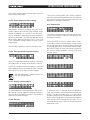
If a Closed Loop is detected, this will be indicated in
the displays as example below:
NLB 60E Operation Manual 21