1
SVAN 956 USER MANUAL
_
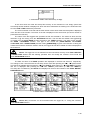
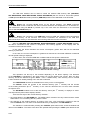
In each available position any change is performed by means of the <>, <> push-buttons.
In order to confirm the selection the <ENTER> push-button has to be pressed. After this confirmation,
the opened window or list is closed. In order to ignore any changes made in the opened window or list
the user has to press the <ESC> push-button.
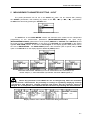
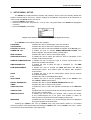
SETUP list
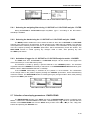
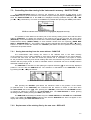
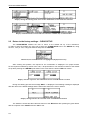
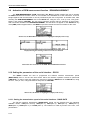
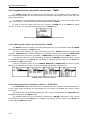
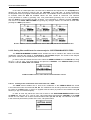
9.1 Setting the language of the user interface - LANGUAGE
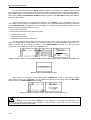
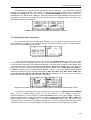
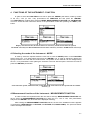
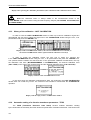
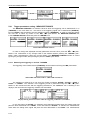
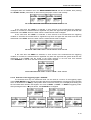
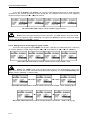
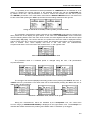
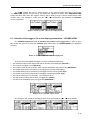
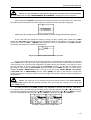
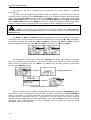
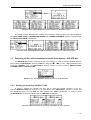
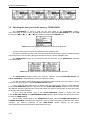
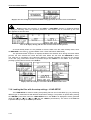
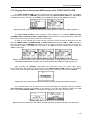
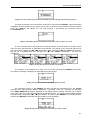
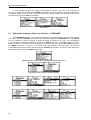
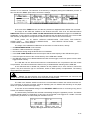
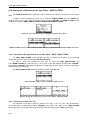
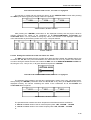
The LANGUAGE enables one to select the language of the user interface. In order to enter the list
one has to press the <ENTER> push-button on the inversely displayed LANGUAGE text of the SETUP
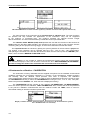
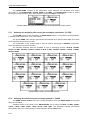
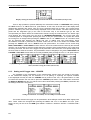
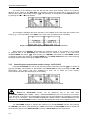
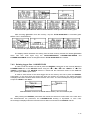
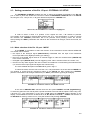
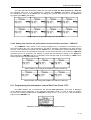
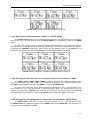
list. The selection is made by placing a special character by means of the <>, <> push-buttons
in the line with the selected language. Pressing the <SHIFT> and <> (or <SHIFT> and <>) pushbuttons results in a movement to the first position of the opened list and pressing the <SHIFT> and <>
(or <SHIFT> and <>) – results in a movement to the last position of the opened list. The selection
is confirmed and the list is closed after pressing the <ENTER> push-button. The list is closed without any
confirmation after pressing the <ESC> push-button.
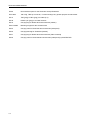
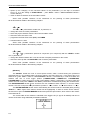
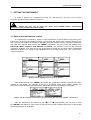
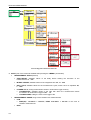
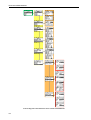
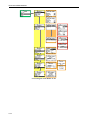
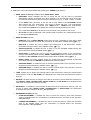
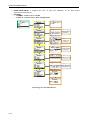
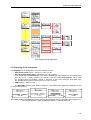
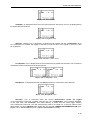
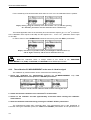
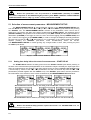
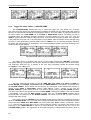
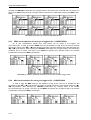
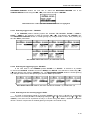
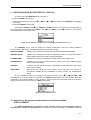
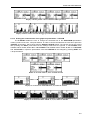
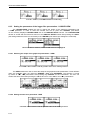
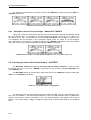
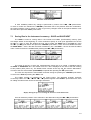
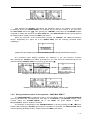
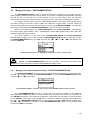
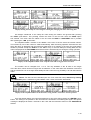
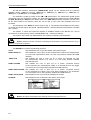
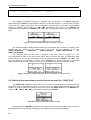
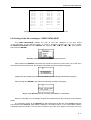
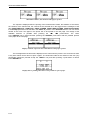
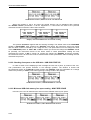
SETUP list; the LANGUAGE text highlighted (displayed inversely)
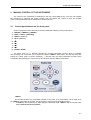
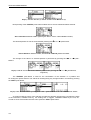
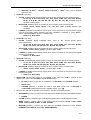
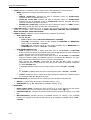
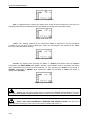
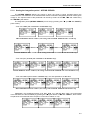
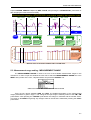
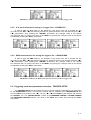
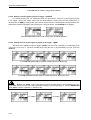
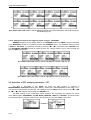
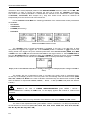
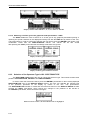
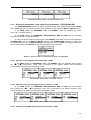
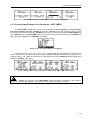
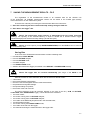
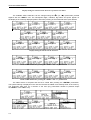
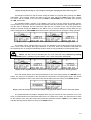
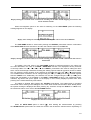
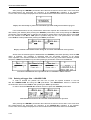
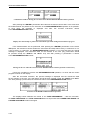
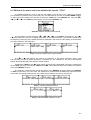
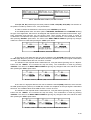
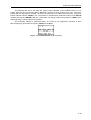
Language windows with all available languages
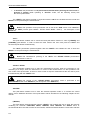
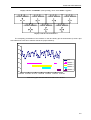
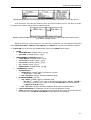
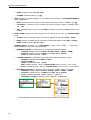
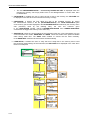
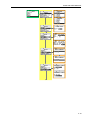
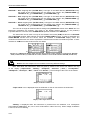
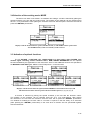
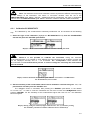
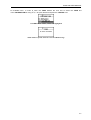
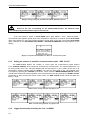
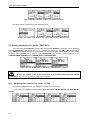
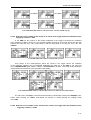
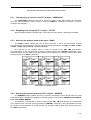
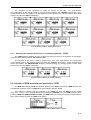
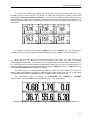
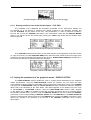
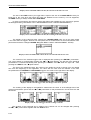
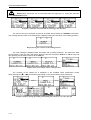
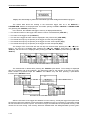
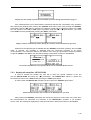
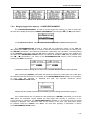
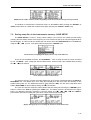
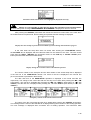
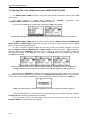
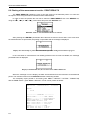
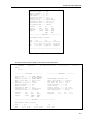
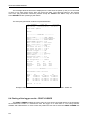
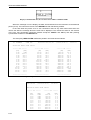
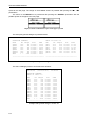
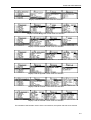
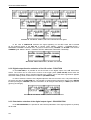
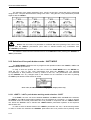
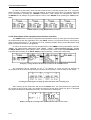
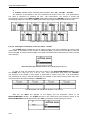
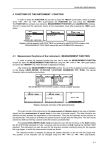
Displays with the English version of the user interface
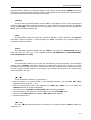
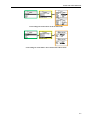
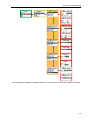
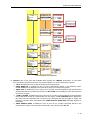
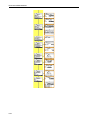
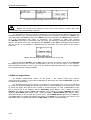
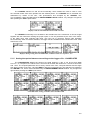
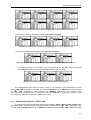
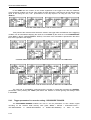
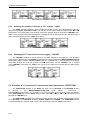
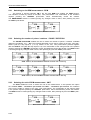
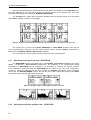
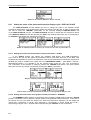
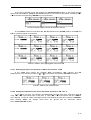
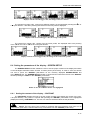
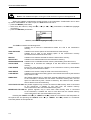
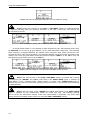
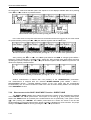
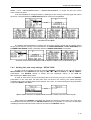
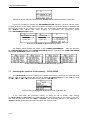
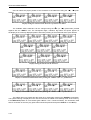
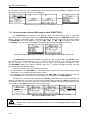
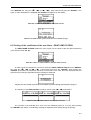
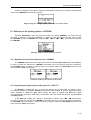
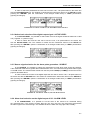
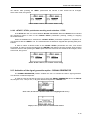
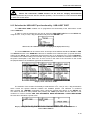
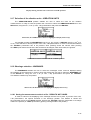
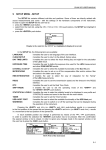
Displays with the Italian version of the user interface
9-2