1
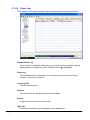
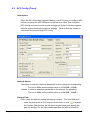
For more information about accelerators, please see page 30.
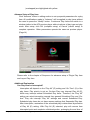
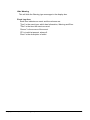
Maintain Aspect Ratio
By default, the picture will stretch video content to fit the size of the view
window. As a result of different aspect ratio of original file, the image may be
distorted. To maintain the original aspect ratio, check the "Maintain aspect
ratio" box. Because the aspect ratio of the content may differ from the view
window, black margins around picture may appear.
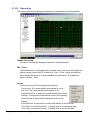
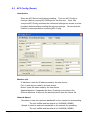
Creating a Setting File for the Channel
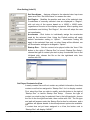
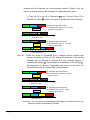
Use Windows NotePad, you may create a settings file as shown below.
Save it and change filename suffixed with “.dvt” as the extension.
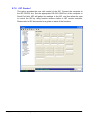
Example:
Direct
DVBT
6
545000
8350
26
203
Explanation
BDA Type
Bandwidth
Frequency
ONID
TSID
SID
Copyright © 2008 DynaScan Technology Corp.
27