1
User Manual
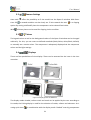
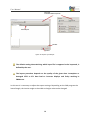
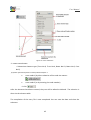
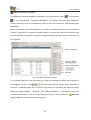
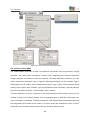
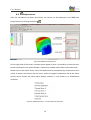
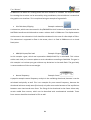
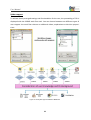
Figure 45: Shell thickener in Z88Aurora
More information see “
Creating a tetrahedron mesh“
Element parameters
You can allocate element parameters for the element types plate, shell, truss, beam and cam
element and plain stress element.
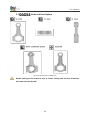
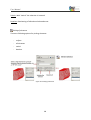
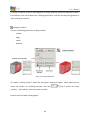
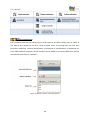
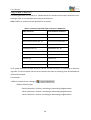
According to the element type following icons are selectable:
: beam, truss, cam
: plate, plain stress element, shell
beam, truss, cam
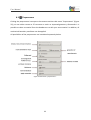
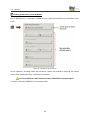
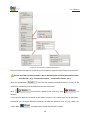
If you have created these structures beforehand, they can be edited here.
Element parameters of imported Z88 files (Z88V14, Z88V13, Z88Aurora V1) must be
,b
u
h y
’ b
h h
u u !
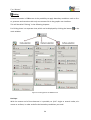
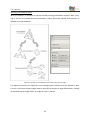
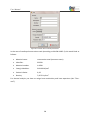
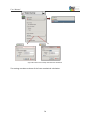
Depending on what element type you have chosen, you can assign the respective geometry
date. You can assign one geometry to all elements
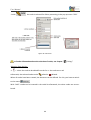
(From/to element) and assign one geometry per section.
54
or you can define sections