1
Magma
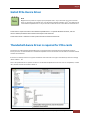
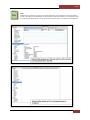
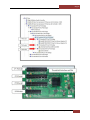
Thunderbolt Aware Driver is required for PCIe cards
29
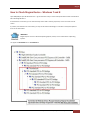
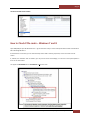
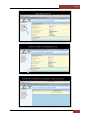
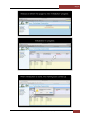
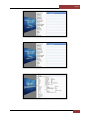
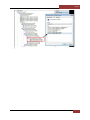
How to Check PCIe cards – Windows 7 and 8
Chapter 4
31
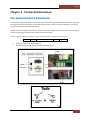
Technical Information
33
Fan Speed and Noise Adjustment
33
Older EB3T-DB unit – Fan Controller
34
Setting the Fan to slowest speed mode
35
Setting the Fan to fastest speed mode
35
New EB3T-DB unit Fan Controller
36
Setting the Fan to fast speed mode
37
Setting the Fan to slowest speed mode
37
Setting the Fan to medium speed mode
37
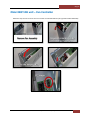
How to Install PCie cards
38
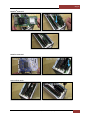
Installation of three PCIe cards.
38
How to Install x16 PCIe card
40
Pro Tools HDx cards Installation
41
Auxiliary Power Cables
43
Attaching Displays
44
N-DRIVE CAGE – STORAGE KIT
44
Storage Drive Installation
45
Controller Card Installation
51
How to Configure SAS / SATA Raid
52
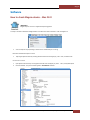
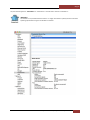
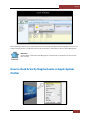
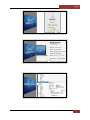
How to check & Verify Magma Device in Apple System Profiler
59
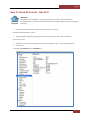
How to check & Verify PCIe Device
62
Chapter 5
Thunderbolt Interface Card Upgrade
63
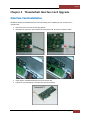
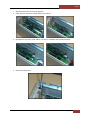
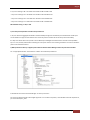
Interface Card Installation
63
Chapter 6
Troubleshooting
66
Chapter 7
Fan Upgrade
70
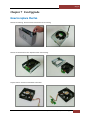
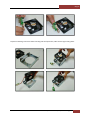
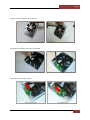
How to replace the fan
Chapter 8
70
How to Get More Help
73
Contacting Technical Support
73
Returning Merchandise to MAGMA
73
Appendix A
Compliance
74
ExpressBox 3T-DB | Preface
3