1
CREATE A CONNECT GROUP
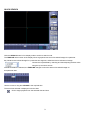
The DVR remote client software can be configured
with any number of connection groups.
Each connection group can consist of up to 4 DVRs.
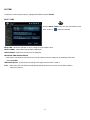
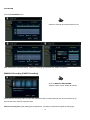
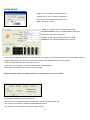
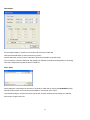
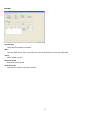
To create a connection group, click the SETUP
button to display the Local configuration screen.
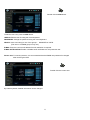
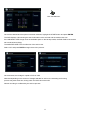
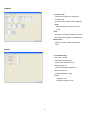
In the ‘Group’ window on the left,
right click ‘Site’ and choose ‘Add Group’
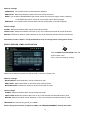
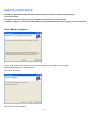
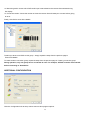
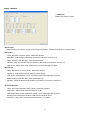
Enter a name to easily identify the connection
group and click OK.
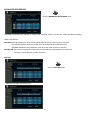
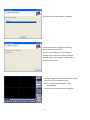
The new group is created.
47