1
GeoModeller User Manual
Contents | Help | Top
3D GeoModeller Reference 261
| Back |
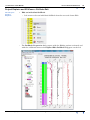
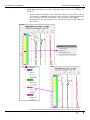
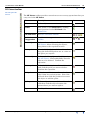
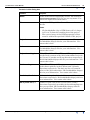
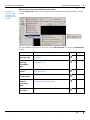
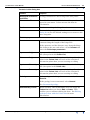
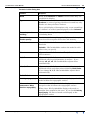
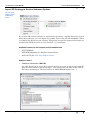
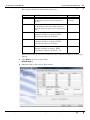
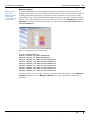
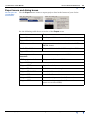
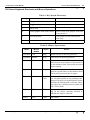
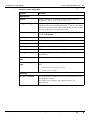
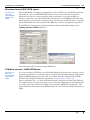
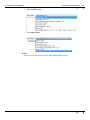
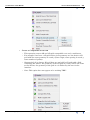
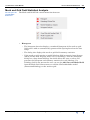
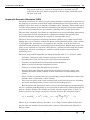
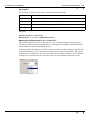
Visualisation
Create a Lithology or Property
Shell or Surface
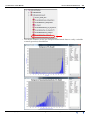
Statistical
Analysis
Fit Surface
Statistical
Analysis
Regression
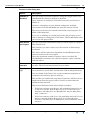
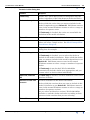
•
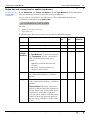
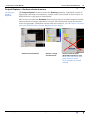
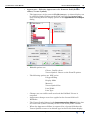
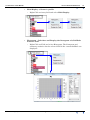
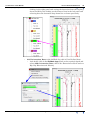
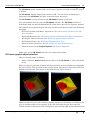
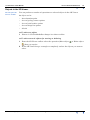
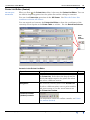
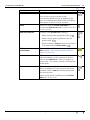
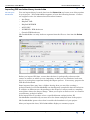
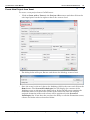
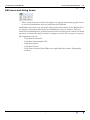
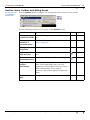
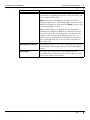
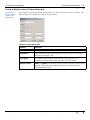
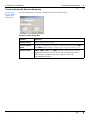
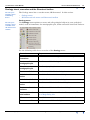
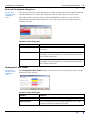
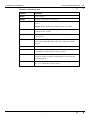
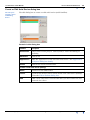
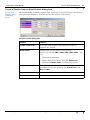
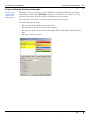
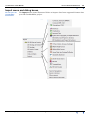
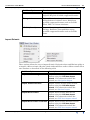
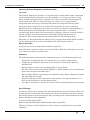
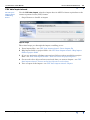
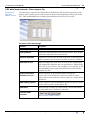
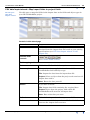
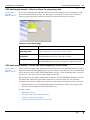
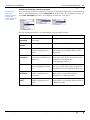
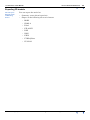
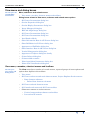
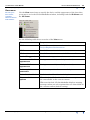
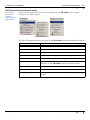
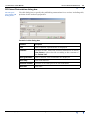
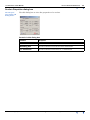
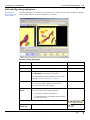
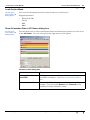
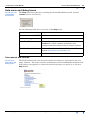
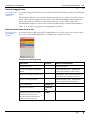
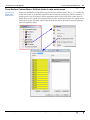
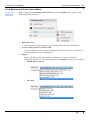
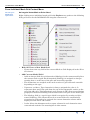
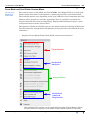
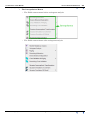
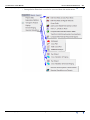
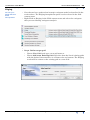
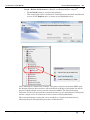
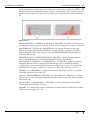
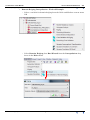
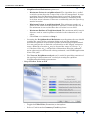
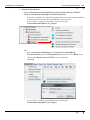
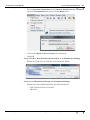
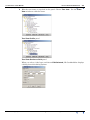
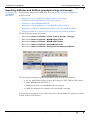
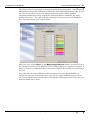
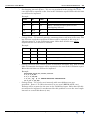
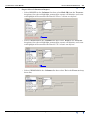
The Field context menu management functions, Delete and Properties are
common to all of the Field data types and are described here.
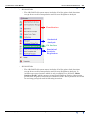
•
Delete
•
•
Deletes a field from any Mesh or Grid Type
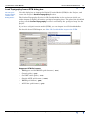
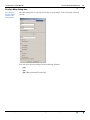
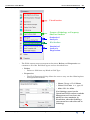
Properties
•
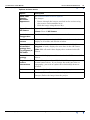
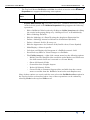
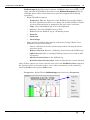
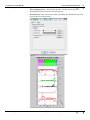
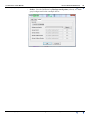
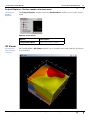
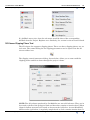
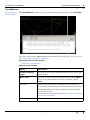
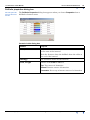
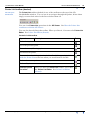
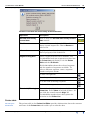
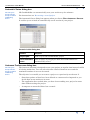
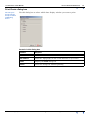
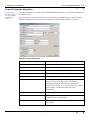
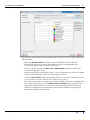
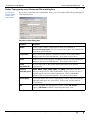
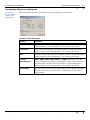
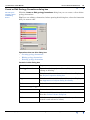
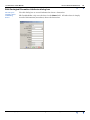
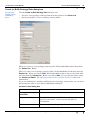
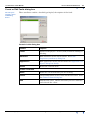
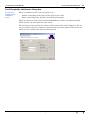
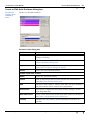
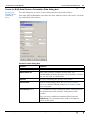
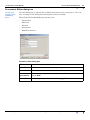
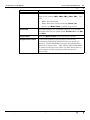
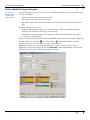
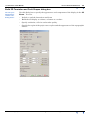
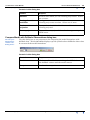
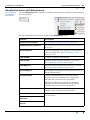
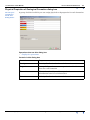
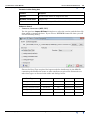
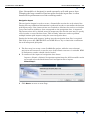
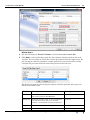
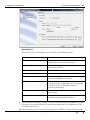
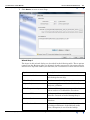
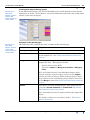
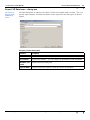
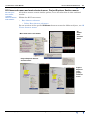
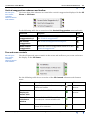
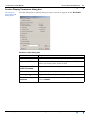
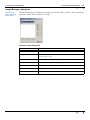
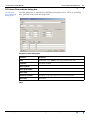
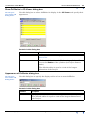
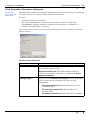
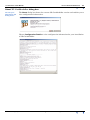
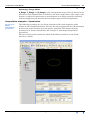
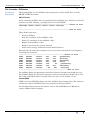
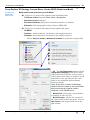
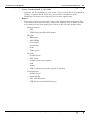
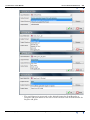
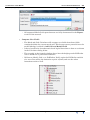
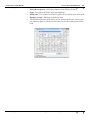
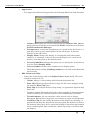
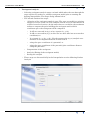
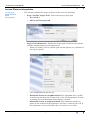
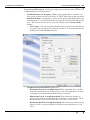
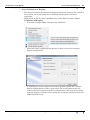
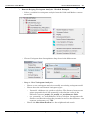
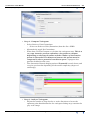
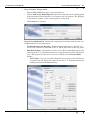
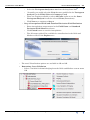
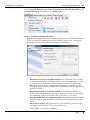
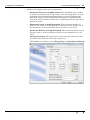
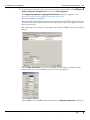
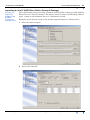
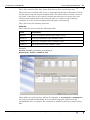
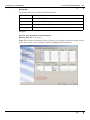
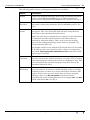
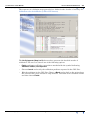
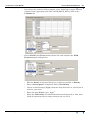
The Field Properties dialog allows the user to carry out the following data
management functions
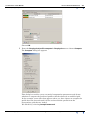
• Name: Change a Field Name
• Units: Edit Units ie %, ppm, SI
• Alias: Edit the Alias.
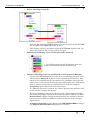
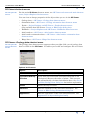
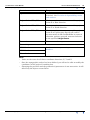
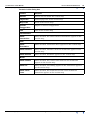
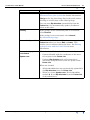
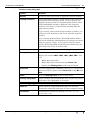
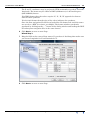
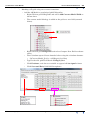
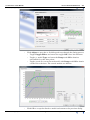
If a lithology voxet is to be
visualised in Pile colours and the
Histogram tool is to have the
ability to view statistics by
Formation, then the Lithology
voxet must have the alias set to
Lithology
Contents Help | Top
© 2013 BRGM & Desmond Fitzgerald & Associates Pty Ltd
| Back |