1
 Chapter 7 ComposerEditor 63
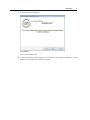
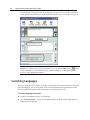
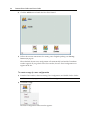
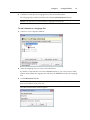
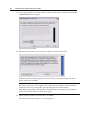
4) Click Yes to create the new Language Pair in the connected database. The Language Pair is added to the list with a default (Global)General Domain. NOTE: You may have to scroll to find the Language Pair in the list. To Add a Domain to a Language Pair
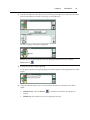
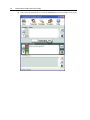
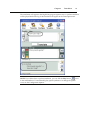
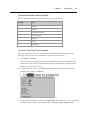
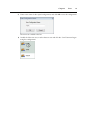
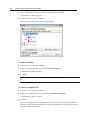
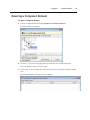
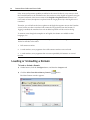
1) Connect to your Composer database. 2) Select the Language Pair you want to add a Domain to. By default, ComposerEditor will create a Private Domain. If you want to add a Global Domain then expand the Language Pair and select the Global User under the Language Pair 3) Click Add Domain To User. NOTE: If you have previously removed the Global\General domain you will be asked here if you’d like to create a new one. The Add Domain Name window appears.