1
Sample setup
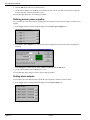
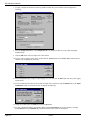
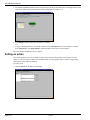
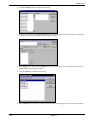
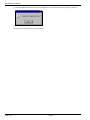
2. In the Alarm outputs area, click the button at the right-hand end of the A field. This will display the following:
3. In the Description field type Humidity. This will be shown as the alarm message when the alarm is triggered.
4. Select the Latched checkbox. This will continue to flag the alarm even when the alarm conditions have been
removed.
5. Click the OK button.
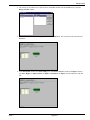
You can then configure these alarms to trigger when a specified input condition occurs. This is defined by setting
up an action.
Setting up an analogue channel
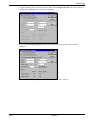
To illustrate the setup of an analogue channel, this sample will set channel 1 to use a voltage sensor that will
represent relative humidity.
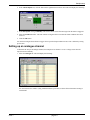
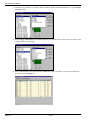
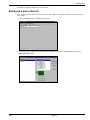
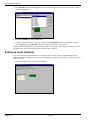
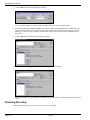
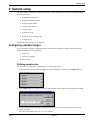
1. Select the Analogue tab. This will display the following:
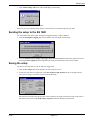
You can maximise this window (using standard Windows procedures) to show all the information relating to
each channel.
issue 1
page 6-3