1
㪙㪸㫊㫀㪺㩷㫆㫇㪼㫉㪸㫋㫀㫆㫅㩷㫇㫉㫆㪺㪼㪻㫌㫉㪼㫊㩷
㩷
㩷
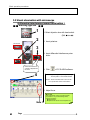
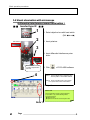
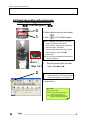
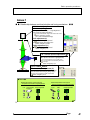
3.4.Visual observation with microscope
(Differential Interference Image Observation )
䂓 䂓 Inverted type IX 䂓 䂓
1
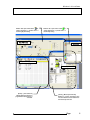
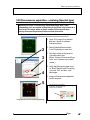
Hand switch
DIC element
2
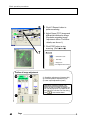
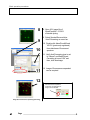
1. Select objective lens with hand switch.
(Ref: 䂓Memo䂓)
2. Insert polarizer.
3
3. Insert differential interference prism
slider.
Differential interference
contrast is adjusted with
this knob.
4
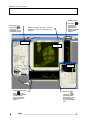
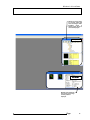
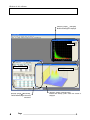
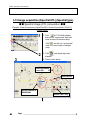
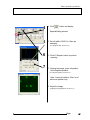
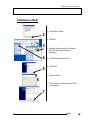
4. Click
of FV10-ASW software.
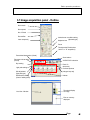
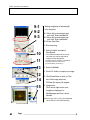
Note 1: Light of halogen lamp is adjusted, using
TD Lamp slider on FV10-ASW software.
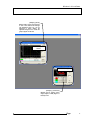
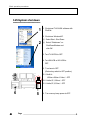
Note 2: Check if the filter turret is set to 6. DIC.
If not, press DICT button of hand switch.
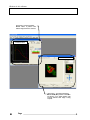
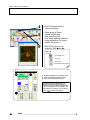
5. Adjust focus.
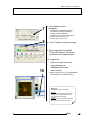
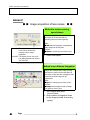
䂓 Memo 䂓
When magnification change is required hereafter,
do procedure 1 only and the followings will be
changed accordingly;
䃂 Objective lens
䃂 Optimum DIC element for each objective lens
Note 1
4
㪈㪍㩷
㩷
Page